
Mobile workforce coordination apps are transforming industries like construction and energy, where managing remote teams and job sites is critical. With 93.5 million mobile workers in 2024 and only 33% of employees working in fixed locations, these tools address challenges like poor communication, budget overruns, and inefficiencies. Companies using these apps report increased productivity, reduced costs, and better communication between field and office teams.
Key Takeaways:
- Real-Time Scheduling: Improves shift coverage by 88% and reduces overtime costs by 23%.
- Integration & Automation: Syncs with payroll and HR systems, automates time tracking, and generates reports.
- GPS Tracking: Enhances safety, tracks resources, and prevents theft.
- Worker Benefits: Offers flexible schedules, clear pay structures, and access to job opportunities.
The global workforce management market, valued at $55.06 billion in 2024, is expected to more than double by 2032, driven by these apps’ ability to streamline operations and improve decision-making. By adopting the right platform and implementing it strategically, businesses can overcome inefficiencies and create safer, more productive work environments.
7 Steps to Getting Started with Mobile Workforce Management
Core Features of Mobile Workforce Coordination Apps
Mobile workforce coordination apps are game-changers for construction and energy companies, helping them manage dispersed teams with precision. These tools go far beyond simple scheduling, offering a suite of features designed to streamline operations across multiple job sites. Understanding their core capabilities can help businesses select the best platform and make the most of their investment.
Real-Time Scheduling and Communication
At the heart of workforce coordination is real-time scheduling. These apps empower managers to create, adjust, and distribute schedules instantly, ensuring that updates are communicated to teams without delay.
The benefits are clear. Companies using employee scheduling software report an 88% improvement in shift coverage and an 86% boost in employee satisfaction. Scheduling errors drop by 55%, while the time spent creating schedules is reduced by 30%. Additionally, businesses see a 23% average reduction in overtime costs and a 26% decrease in scheduling-related grievances. These stats highlight how real-time communication fosters efficiency and workplace harmony.
This robust scheduling foundation supports other advanced features, such as seamless system integration and automated processes.
Integration and Automation Capabilities
One standout feature of modern workforce coordination apps is their ability to integrate with existing business systems. For example, payroll integration ensures that time records flow directly into payroll systems, reducing errors and saving time.
Integration with HR systems simplifies onboarding and ensures worker profiles stay up to date. For companies frequently hiring subcontractors or temporary workers, this means certifications, skills, and contact details are automatically synced within the app.
Automation further lightens the administrative load. Automated time tracking records when workers arrive and leave job sites, while automated reporting generates daily project summaries. For instance, mobile timekeeping has been shown to ensure 100% on-time payroll while increasing efficiency by 30%.
These integrations and automation tools save time and improve accuracy, paving the way for enhanced tracking and operational control.
GPS Tracking and Remote Accessibility
GPS tracking is another vital feature, offering real-time visibility into the location of workers and equipment. This not only improves safety – by alerting managers to high-risk areas – but also helps prevent theft through geofencing.
The data collected from GPS tracking provides actionable insights into equipment usage, job site performance, and resource allocation. Companies can identify underutilized assets and redeploy them effectively, ensuring resources are used where they’re needed most.
Remote accessibility takes this a step further. With cloud-based platforms, managers can monitor operations from anywhere, whether through a web browser or a mobile app. Even in areas with poor connectivity, offline functionality ensures workers can continue using the app, with data syncing automatically once the connection is restored.
The construction industry’s adoption of GPS technology underscores its value. The global IoT in construction market is projected to hit $29.96 billion by 2027, with 72% of construction professionals believing IoT can significantly enhance project efficiency and cut costs. Already, 60% of construction companies are using IoT solutions.
These features make mobile workforce coordination apps indispensable for modern construction and energy firms, combining real-time data with automation to improve both efficiency and decision-making.
Benefits of Using Mobile Workforce Coordination Apps
Mobile workforce coordination apps are transforming how construction and energy companies operate. Over 70% of construction companies worldwide now depend on these tools to boost efficiency, cut costs, and enhance transparency across their operations. These broad improvements lead to specific advantages for both employers and their teams.
For Employers
Employers often see productivity gains of 20–30% and operational cost reductions of up to 20% after adopting mobile workforce coordination apps. These savings come from fewer scheduling mistakes, smoother communication, and automation of repetitive tasks.
Safety management also gets a major upgrade. Mobile safety tools can cut workplace incidents by as much as 25%. These apps simplify tasks like incident reporting, safety inspections, and compliance checks, creating safer environments while reducing liability risks.
Access to real-time data is another game-changer. Managers can make decisions up to 40% faster by using current information, allowing companies to quickly adapt to shifting conditions, resource demands, or safety concerns across various job sites.
Administrative tasks become far less of a headache. Mobile systems track hours, breaks, and overtime with precision, significantly lowering the chances of labor violations. For example, one company reported a 30% reduction in reporting time after implementing such a system.
It’s no wonder the global workforce management market, valued at $55.06 billion in 2024, is expected to grow to $119.74 billion by 2032. These tools clearly deliver a strong return on investment.
For Workers
While employers focus on efficiency and savings, workers benefit from tools that make their day-to-day tasks easier and more satisfying. Mobile apps support flexible work setups that align with modern expectations – by 2023, 35% of full-time employees worked remotely at least part of the time.
These apps close communication gaps, ensuring smooth collaboration no matter where team members are located. They also provide workers with personalized, relevant updates right to their devices, which is crucial for the 80% of the global workforce that works away from a desk.
By creating real-time connections between office managers and field workers, these apps ensure that everyone has the information and support they need to work efficiently. Many apps also include on-demand training, safety guidelines, and skill-building resources, helping workers grow professionally while staying aligned with industry standards.
For gig workers – who make up nearly 47% of the global workforce – these apps improve access to job opportunities and offer clear communication about tasks and pay.
Together, these tools create a work environment that’s more connected, efficient, and adaptable, meeting the evolving needs of both employers and employees in the construction and energy sectors.
sbb-itb-aa28329
How to Select and Implement a Workforce Coordination App
Picking the right workforce coordination app can make or break your team’s efficiency. With 61% of construction businesses spending less than a quarter of their time working on their business instead of in it, choosing the wrong tool can waste both time and resources. The trick is understanding what to look for and ensuring a smooth implementation.
Evaluating Features and Compliance
Start by focusing on features that truly matter. Look for tools that handle real-time scheduling, dispatching, asset tracking, inventory management, and accurate time tracking. These are essential for staying organized and compliant.
Offline access is another must-have. The app should allow workers to view schedules, safety protocols, and project updates even without internet access, syncing everything automatically when they’re back online.
Features like GPS and geolocation can boost efficiency by confirming worker attendance and tracking equipment across multiple sites. Built-in safety and compliance tools are also a big win, simplifying tasks like incident reporting and inspections.
Integration is key. Your app should work seamlessly with existing systems like ERP, CRM, and asset management tools. This prevents data silos and keeps everything connected.
Data analytics and reporting are invaluable for spotting trends in performance, attendance, and labor costs. Training management features are equally important – they help ensure your team stays up to date with industry standards and safety practices.
Security and compliance should never be an afterthought. Choose a provider with strong encryption, secure authentication, and tight access controls. Companies with weak compliance measures face data breach costs averaging 12.6% higher – about $560,000 more – than those with strong safeguards.
Ease of use matters, too. The app should be intuitive and align with your operational needs. And don’t overlook scalability – your app should grow with your business and adapt to new technologies without requiring a complete overhaul. Ask providers about their upgrade plans and how they handle increased user demands.
Once you’ve nailed down the features you need, the next step is rolling out the app strategically.
Implementation Best Practices
After choosing the right app, it’s all about setting it up for success. Start with a thorough needs assessment to map out your current workflows and identify communication gaps. This will give you a baseline to measure the app’s impact and ensure it addresses your specific challenges.
Structured onboarding plays a huge role in success. Companies with organized onboarding processes see a 50% boost in productivity, and a smooth onboarding experience can improve retention by 52% and productivity by 60%. So, take the time to get it right.
Begin with a pilot program. Test the app with a small team or a single project to see how it performs in real-world conditions. This allows you to iron out any kinks, refine workflows, and build trust before rolling it out company-wide.
During the pilot, focus on the basics first – like scheduling and communication. Once users are comfortable, gradually introduce advanced features.
Training is non-negotiable. Offer a mix of live demos, recorded tutorials, and hands-on practice scenarios to cater to different learning styles. The more accessible the training, the faster your team will adapt.
Clear communication is critical. Highlight the app’s benefits – like reducing scheduling headaches, increasing flexibility, and eliminating unnecessary paperwork. Set clear guidelines for app usage, including who gets notifications, how urgent messages are handled, and what updates are required.
For secure and efficient access, implement Single Sign-On (SSO) and automate user provisioning.
After the rollout, keep a close eye on how the app is being used. Track which features are popular and which are ignored to identify training gaps or workflow adjustments. Regular feedback sessions with users can uncover practical improvements that data alone might miss.
Stay vigilant about compliance. Conduct regular audits to spot gaps and keep up with changing regulations, especially in industries like construction and energy where safety standards evolve frequently.
Finally, use analytics to measure the app’s impact. Look for bottlenecks, track efficiency improvements, and use these insights to guide future tech decisions. Create clear processes for testing updates, communicating changes, and maintaining security as your workforce and technology continue to evolve.
ABLEMKR: A Case Study in Workforce Coordination
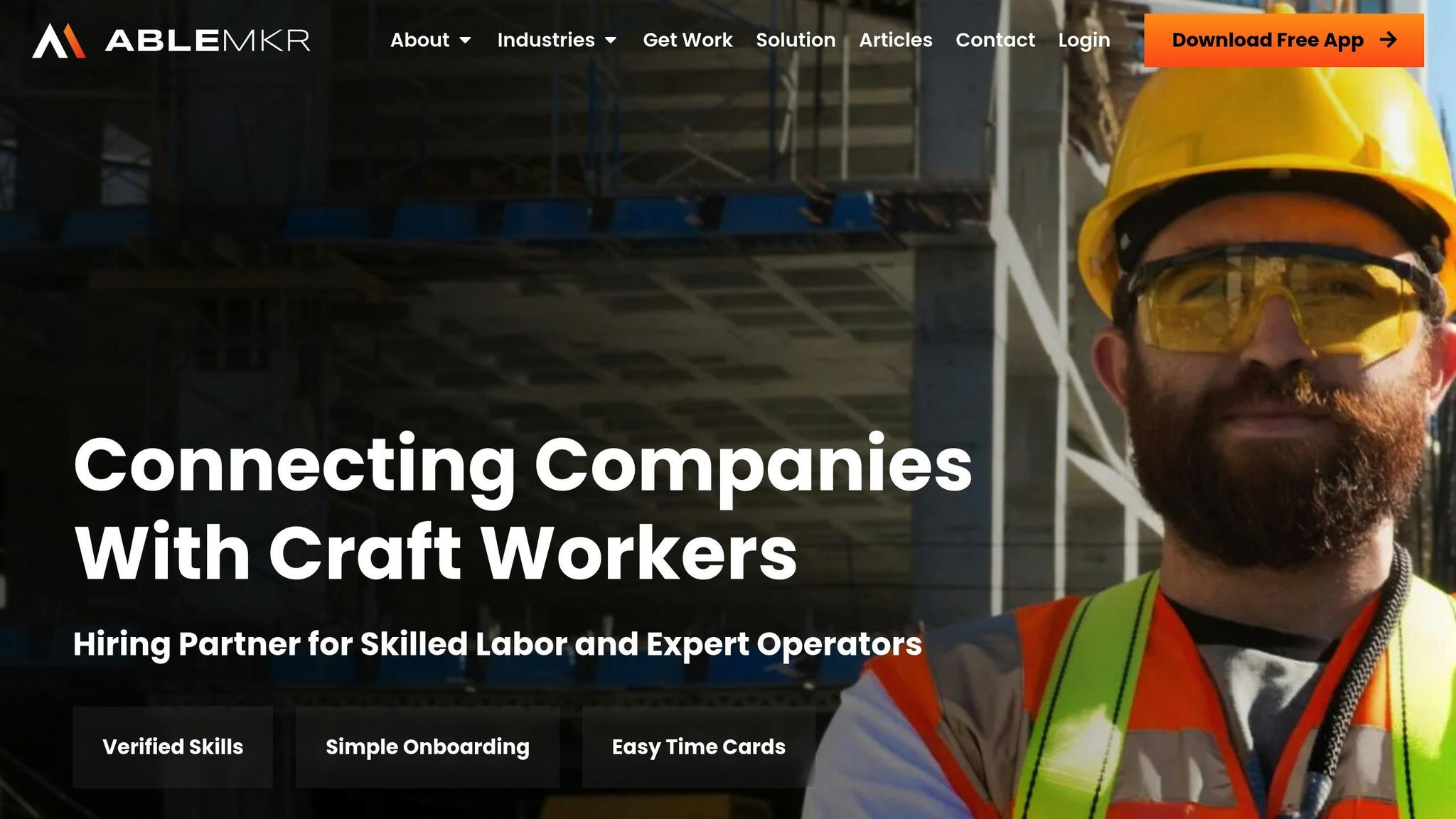
ABLEMKR builds on the advantages of mobile workforce apps by offering solutions specifically designed for industries like construction, oil & gas, and mining. These sectors often face unique challenges, particularly when it comes to managing skilled labor. ABLEMKR’s platform addresses these issues head-on, creating a system that benefits both employers and workers by promoting transparency and accountability.
Features and Solutions for Employers
ABLEMKR transforms the staffing process, giving employers full control over hiring. Contractors can set their own rates, and the platform matches them with workers who meet their exact needs – no back-and-forth negotiations required. It also handles time-consuming tasks like candidate vetting, including interviews tailored to the employer’s specifications, and ensures workers meet the necessary project criteria. Employers benefit from real-time visibility, as workers log their hours directly in the app.
Administrative tasks are simplified, too. ABLEMKR manages onboarding, workers’ compensation insurance, commercial general liability insurance, payroll management, supplemental benefits, and payroll taxes. This reduces the hassle for employers and allows them to focus on their projects.
For companies looking to build long-term teams, ABLEMKR offers a flex-to-hire option. This allows contractors to permanently hire workers after they complete 1,000 hours on the platform – without additional fees. The platform also maintains high standards by continuously screening workers to ensure they meet customer requirements, providing consistent quality throughout the hiring process.
While these features make life easier for employers, they also create meaningful benefits for workers.
Worker Benefits and Flexibility
ABLEMKR addresses many of the common hurdles faced by workers in construction, oil & gas, and mining. With options like flex work and flex-to-hire arrangements, workers can find opportunities that match their skills and experience without wasting time on unsuitable roles. The platform’s transparent job-matching system ensures a better fit from the start.
Workers also gain control over their schedules and benefits through ABLEMKR’s integrated tools. The time tracking system creates clear records, which helps prevent payment disputes and streamlines the overall process. Additionally, ABLEMKR takes on the administrative burden by offering W2 employment status, workers’ compensation coverage, and access to supplemental benefits.
For those who prefer short-term projects, the on-demand model allows workers to pick assignments that fit their availability, avoiding the need for long-term commitments. The flex-to-hire approach serves as a trial period for both workers and employers, giving them a chance to evaluate the fit before committing to a permanent arrangement.
Conclusion
Mobile workforce apps are transforming how construction and energy industries operate, bringing a new level of efficiency and clarity to fieldwork. By tackling long-standing challenges, these tools go beyond simple digitization – they address critical issues like communication breakdowns and administrative bottlenecks. The result? Smoother workflows and instant delivery of essential updates to teams in the field.
For workers, these apps open doors to greater flexibility and career advancement. Features like transparent pay structures, clear job expectations, and tailored job matching empower workers to take control of their schedules. At the same time, employers gain access to a pool of verified, skilled professionals precisely when they need them.
The construction sector, in particular, has been quick to adopt these technologies. In fact, 21.4% of construction firms now rely on three or more mobile apps to manage their projects. This shift highlights a growing trend toward integrated digital workflows that simplify everything from safety compliance to payroll management.
Companies that embrace these comprehensive workforce solutions are setting themselves up for long-term success. With improved efficiency, stronger safety measures, and happier, more engaged workers, these businesses are better equipped to thrive – not just on individual projects but across their entire operations.
As the construction and energy industries continue to evolve, the future of workforce management lies in platforms designed specifically to meet their unique challenges. These tools are delivering the clarity and efficiency that both employers and workers need to succeed.
FAQs
How do mobile workforce coordination apps improve communication between field teams and office staff?
Mobile workforce coordination apps simplify how field teams and office staff stay connected by bringing all communication into a single, user-friendly platform. With real-time updates, these apps ensure everyone is on the same page, no matter where they are. Features like instant messaging, task updates, and notifications help cut down on delays and prevent miscommunication.
By promoting clear and consistent communication, these tools boost teamwork, increase productivity, and help create a more connected and efficient work environment for both on-site and remote employees.
What factors should businesses consider when choosing a mobile workforce coordination app to fit their needs?
When choosing a mobile workforce coordination app, businesses should prioritize features that align with their specific operational needs. Key functionalities to look for include scheduling tools, real-time communication capabilities, and workforce management features. An app that’s easy to navigate, works seamlessly on mobile devices, and maintains strong security measures can help ensure smooth adoption by your team.
It’s also worth evaluating if the app offers solutions tailored to your industry. Features like worker verification and clear cost tracking can be particularly helpful. Focusing on these aspects can make a big difference in improving productivity and streamlining workforce coordination.
How do GPS tracking and remote access features improve safety and resource management on job sites?
Mobile workforce apps equipped with GPS tracking and remote access features play a key role in boosting safety. By enabling real-time monitoring of worker locations, these tools allow for swift responses during emergencies and help spot potential hazards at job sites.
Beyond safety, these features simplify resource management. Managers can assign tasks more effectively, monitor progress, and ensure workers have the necessary tools and support – all through a mobile device. This approach not only minimizes risks but also boosts productivity and streamlines operations.


