
Construction safety is now smarter and faster, thanks to mobile apps that simplify accident reporting and compliance. These tools replace outdated paper systems with features like real-time submissions, offline functionality, visual documentation, and analytics. They also help companies reduce costs, improve safety, and comply with OSHA regulations.
Here are the top 5 apps for construction accident reporting:
- Corfix: Offers offline reporting, dashboards for data insights, and OSHA compliance tools. Rated 4.8/5 for mobile access.
- HammerTech: Provides offline functionality, integrates with project tools, and supports visual documentation. Reduces jobsite delays by 32%.
- Intelex Incident Reporting: Cloud-based with strong compliance support and real-time analytics. Rated 4.2/5 for functionality.
- Isometrix: Designed for high-risk industries, featuring offline forms, KPI tracking, and regulatory audits.
- EHS Insight: Mobile-first design with offline capabilities, centralized dashboards, and compliance tools.
These apps save time, reduce risks, and ensure better decision-making on construction sites. Whether you need offline access, advanced analytics, or compliance support, there’s a solution tailored to your needs.
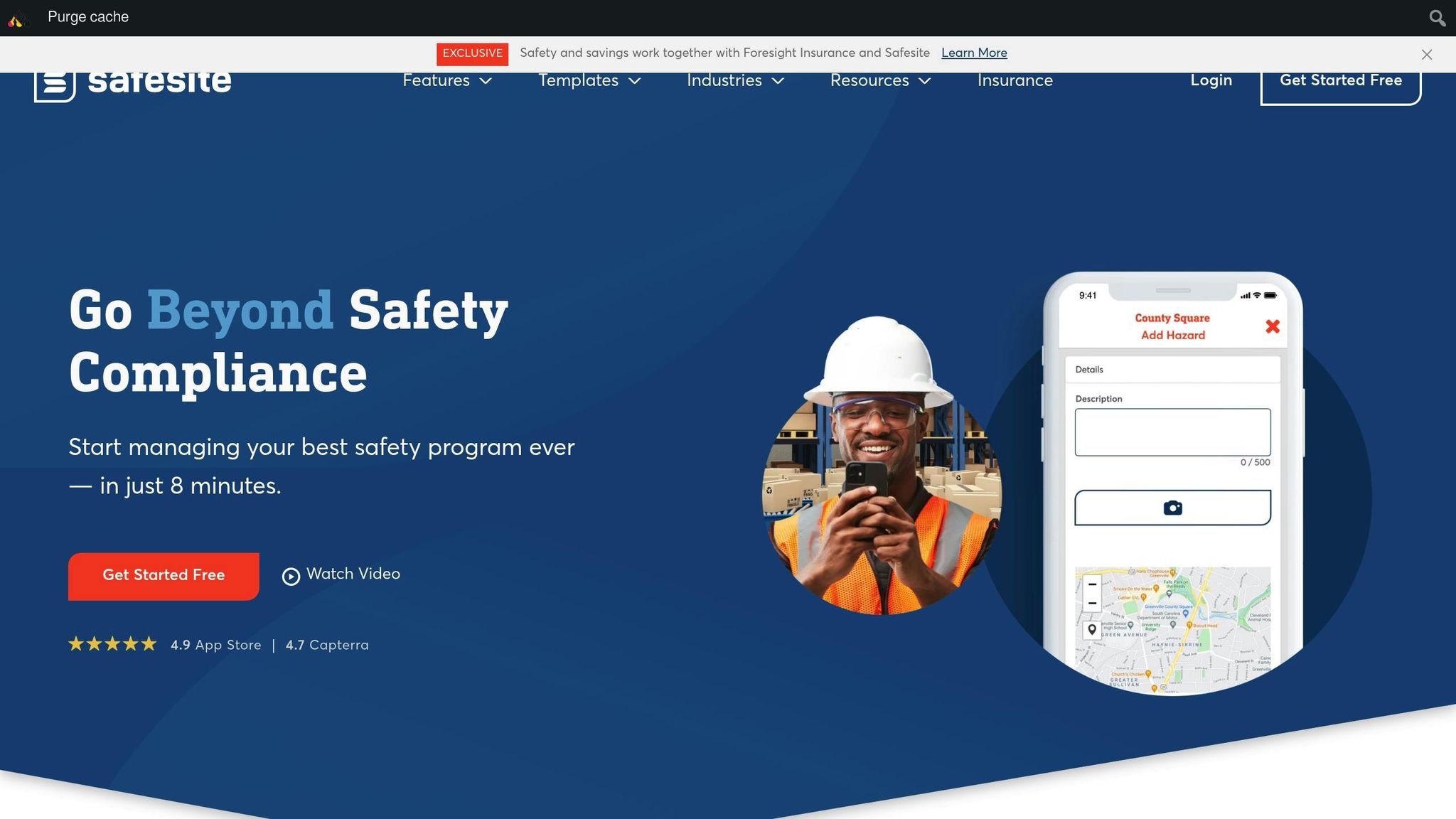
Safesite Mobile App – Creating an Incident Report
1. Corfix
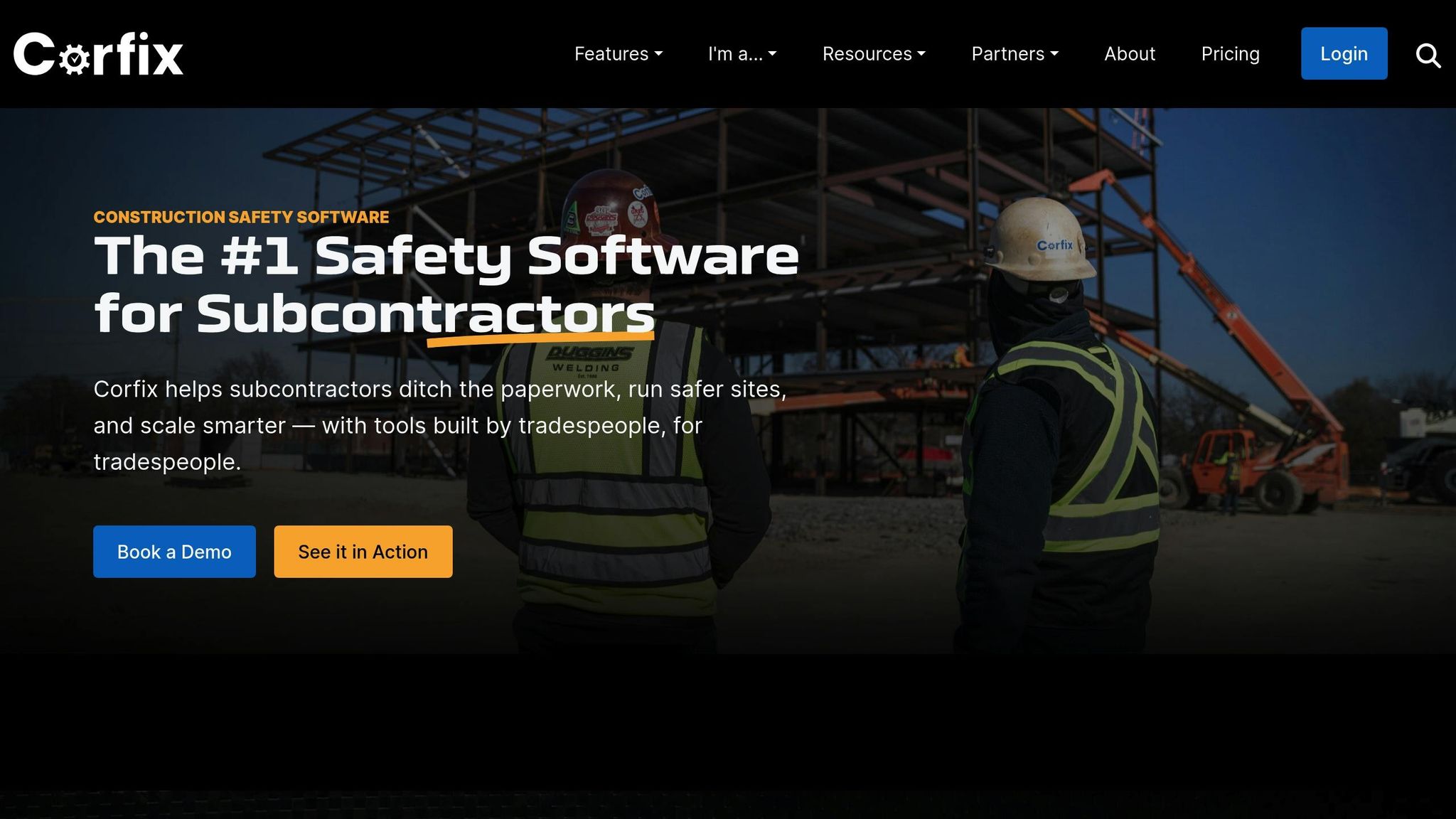
Corfix is a compliance platform tailored specifically for the construction industry, designed to make accident reporting and safety documentation easier for workers. By putting these tools directly into the hands of workers via their smartphones or tablets, it changes how teams manage safety on the jobsite.
Mobile/Offline Capabilities
Corfix’s mobile-first design ensures that workers can stay connected, even in remote locations. Accident reports can be completed and submitted directly from a phone or tablet, allowing for quick, real-time updates. And if there’s no internet? No problem. The app’s offline functionality lets workers fill out forms on-site, which are automatically uploaded once a connection is restored.
This feature is a game-changer, with 96% of Corfix users rating mobile access as either important or highly important. The app delivers, earning a 4.8/5 rating for mobile access and a 4.7/5 for ease of use.
"The mobile platform is the cornerstone of our safety program as our employees use the app as their means of completing safety documentation." – Jason Nedinis, Health and Safety Manager
Construction worker Connor W. also shared his experience:
"Offline modes and being able to save forms and come back to them later is also a huge step up from the web-based software we were using before."
This seamless functionality not only keeps workers connected but also ensures that data is consolidated efficiently, enabling faster and smarter safety decisions.
Data Tracking and Analytics
Corfix doesn’t just collect data – it turns it into meaningful insights. Its analytics dashboard consolidates incident reports, checklists, and compliance records, presenting them in a customizable and easy-to-read format. This allows safety managers to monitor trends, track workforce activity, and generate clear, shareable performance metrics in real time.
"Corfix has that beautiful dashboard where I can see who’s doing what, when they’re doing it, and how they’re doing it." – Joe Pellerino, Chief Health & Safety Officer
With 24/7 KPI tracking, teams can instantly generate reports, making it easier to make informed, data-driven decisions. The ability to tailor reports for specific roles ensures that everyone gets the information they need. These insights not only help improve safety but also simplify compliance with regulations.
Compliance Support
Corfix takes the hassle out of OSHA compliance with built-in tools that align with electronic record submission requirements. For instance, companies with 20–249 employees are required to submit Form 300A data electronically, while those with 100 or more employees must submit both Forms 300 and 301. Corfix streamlines this process, ensuring all safety records are centralized and ready for submission.
During inspections, the app makes it easy to pull up safety reports and demonstrate compliance records, reducing administrative work and improving accuracy. This allows teams to focus on what matters most – enhancing workplace safety.
Visual Documentation Features
Corfix also facilitates real-time data capture and electronic signatures, ensuring that reporting is consistent and accurate. One reviewer summed it up well:
"Corfix does a wonderful job of capturing data in real time, allowing for accurate input, immediate electronic signatures, and consistent reporting."
2. HammerTech
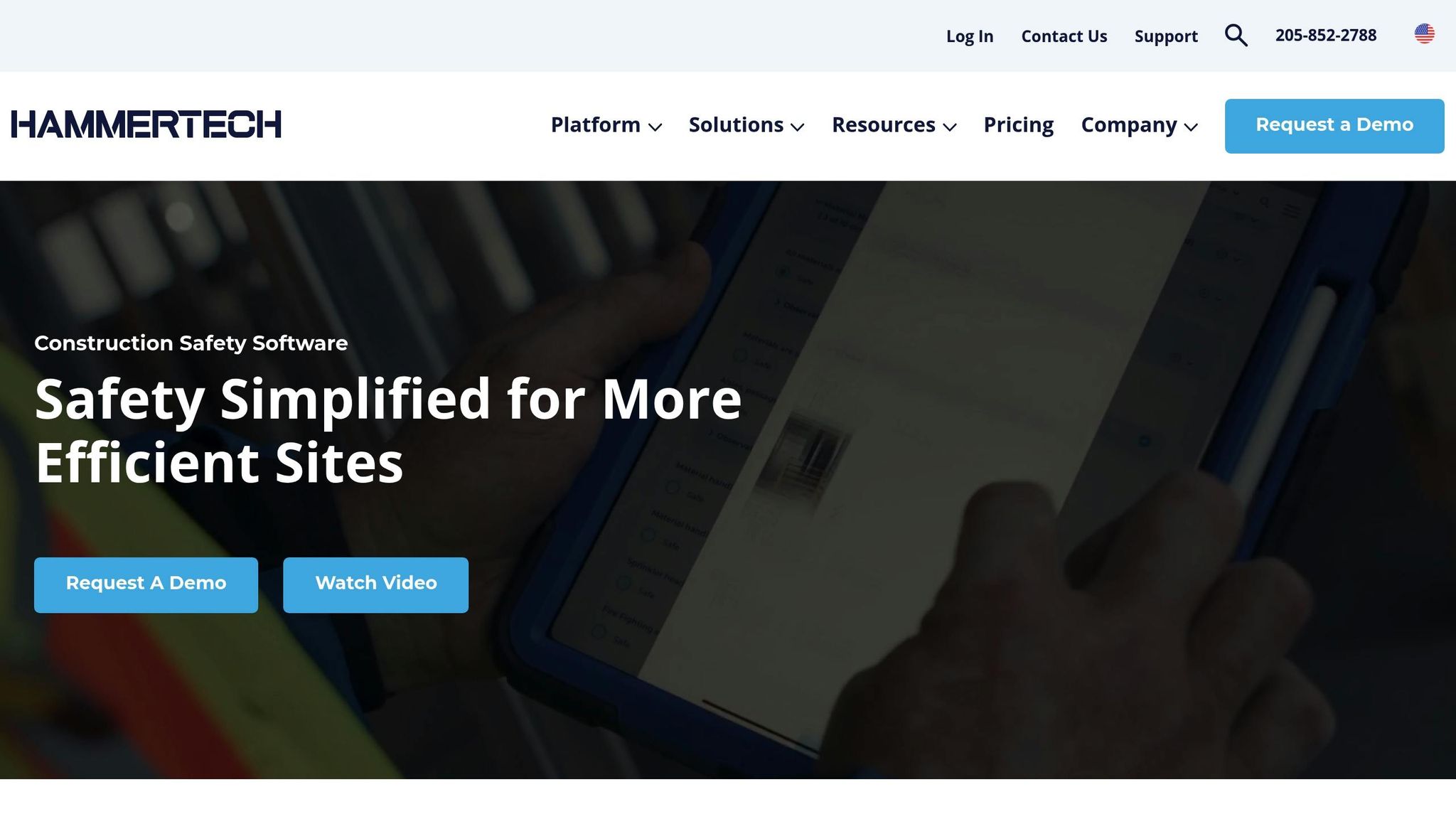
HammerTech is making strides in digital safety by offering a robust platform that simplifies accident reporting and overall safety management. At the heart of their solution is the HammerTech Inspect mobile app, which allows construction teams to handle incident reporting efficiently, even in areas with poor connectivity.
Mobile/Offline Capabilities
The HammerTech Inspect app is designed to work seamlessly offline, enabling workers to perform inspections and file accident reports without needing an internet connection. Once connectivity is restored, all data automatically syncs to the main HammerTech web platform. Available on both iOS and Google Play, the app empowers field teams to address and resolve issues directly from the jobsite, cutting down delays in incident reporting. Impressively, this functionality has helped reduce jobsite delays by 32%.
Data Tracking and Analytics
HammerTech brings safety processes together in one digital platform, offering more accurate and efficient reporting. The platform delivers up to 43% better data accuracy compared to traditional methods. It also integrates with popular project management tools, enabling real-time collaboration between teams across different locations. Instant notifications further streamline communication and help prevent unnecessary delays.
"With HammerTech we can gain improvement through measurement. The results are replicable. We’re keeping our teams safe. Jobs not on HT are at a disadvantage." – James Alexander, DPR Construction
Visual Documentation Features
The HammerTech Inspect app takes accident reporting to another level with its visual documentation tools. Workers can attach photos, geotags, and voice-to-text descriptions to ensure incidents are recorded in detail. Even without internet access, these features remain functional, preserving photos and location data until connectivity is restored. Additionally, the app supports issue reporting through a mobile web browser, offering flexibility across various worksites.
A real-world example of HammerTech’s impact comes from Crema Constructions, which used the platform to digitize its safety, quality, and communication systems. By integrating HammerTech into their existing processes, the company simplified team training and standardized practices across projects without overhauling their workflows.
"It is an all-in-one, do it all program that has allowed us to increase our efficiency and eliminate paperwork." – Paul Duke, Safety Director, Holder Construction
With a 4 out of 5 stars rating for its mobile app, HammerTech continues to prove its value to construction teams. Its innovative approach to mobile accident reporting is setting a benchmark for safety management in the industry.
3. Intelex Incident Reporting
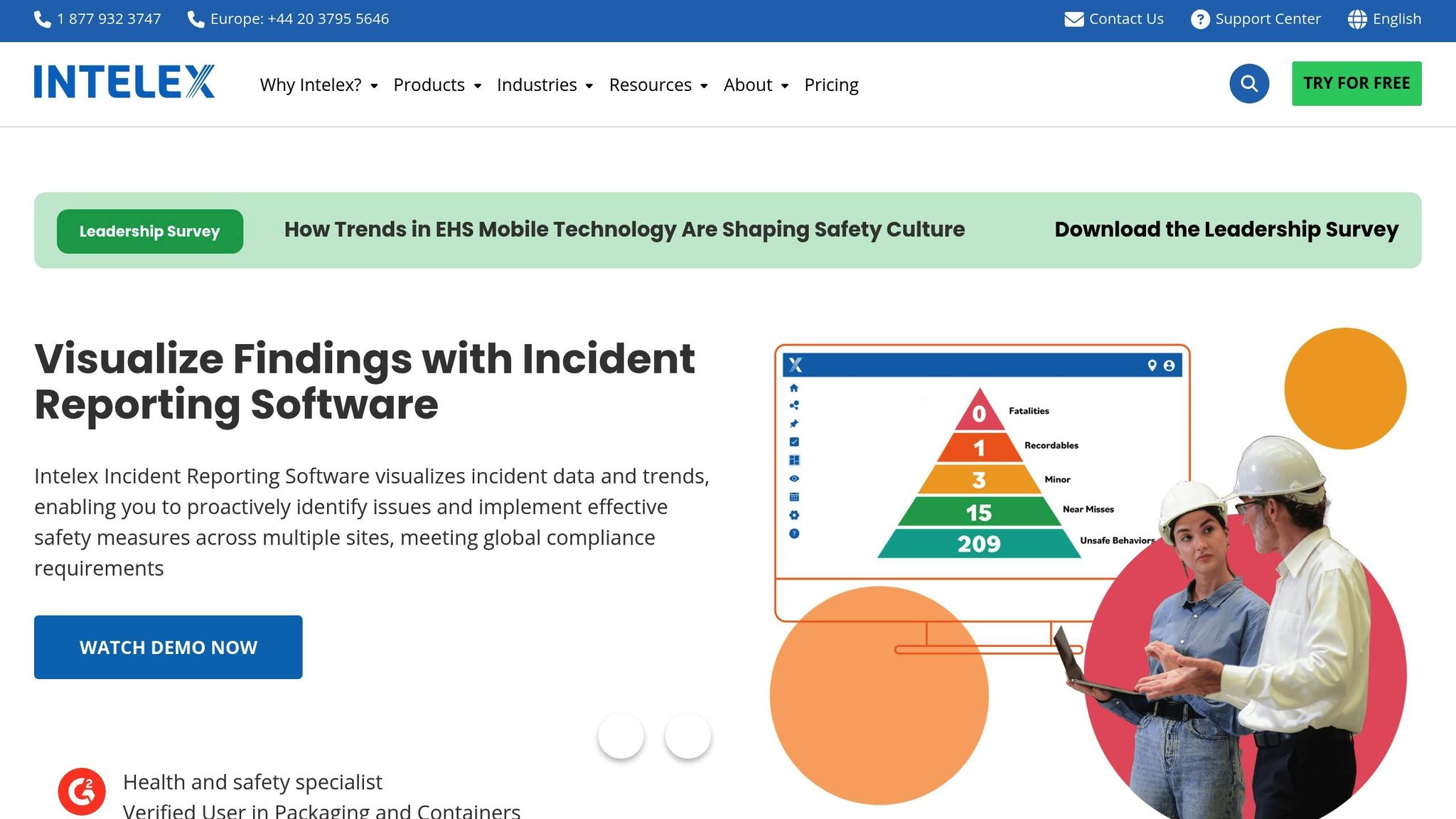
Intelex Incident Reporting is a cloud-based tool designed to simplify how construction companies handle incidents – from initial reporting to ensuring compliance and managing insurance claims.
Mobile/Offline Capabilities
The Intelex EHS Mobile App makes it easy for workers to report incidents directly from the construction site, even in areas with poor connectivity. Thanks to its offline functionality, employees can document incidents like injuries, illnesses, property damage, or environmental hazards on the spot. Once connectivity is restored, the app syncs seamlessly, ensuring no evidence or details are lost during downtime.
Compliance Support (e.g., OSHA)
Intelex also helps construction companies stay on top of regulatory requirements. It generates reports that align with standards set by OSHA, RIDDOR, and WCB, reducing the risk of falling out of compliance. The platform even supports direct submissions to agencies like the EPA, simplifying environmental reporting. By streamlining these processes, Intelex helps companies avoid penalties and delays while keeping their operations running smoothly.
Data Tracking and Analytics
On top of reporting, Intelex offers real-time analytics through its Activity Dashboard. This feature consolidates data from past and current incidents, making it easier to spot trends and address risks before they escalate. Customizable reports, combined with advanced Risk Analysis and Risk Assessment tools, empower companies to shift from simply reacting to incidents to actively preventing them.
"Intelex is a great product especially because it is highly customizable and does integrate with many other systems." – Riccardo, Construction, 501-1000 employees
With a user rating of 4.2 out of 5 on Software Advice and the same score for functionality, Intelex Incident Reporting has earned its place as a trusted solution for construction firms. Its ability to integrate with existing systems makes it especially appealing to larger companies with established processes.
4. Isometrix
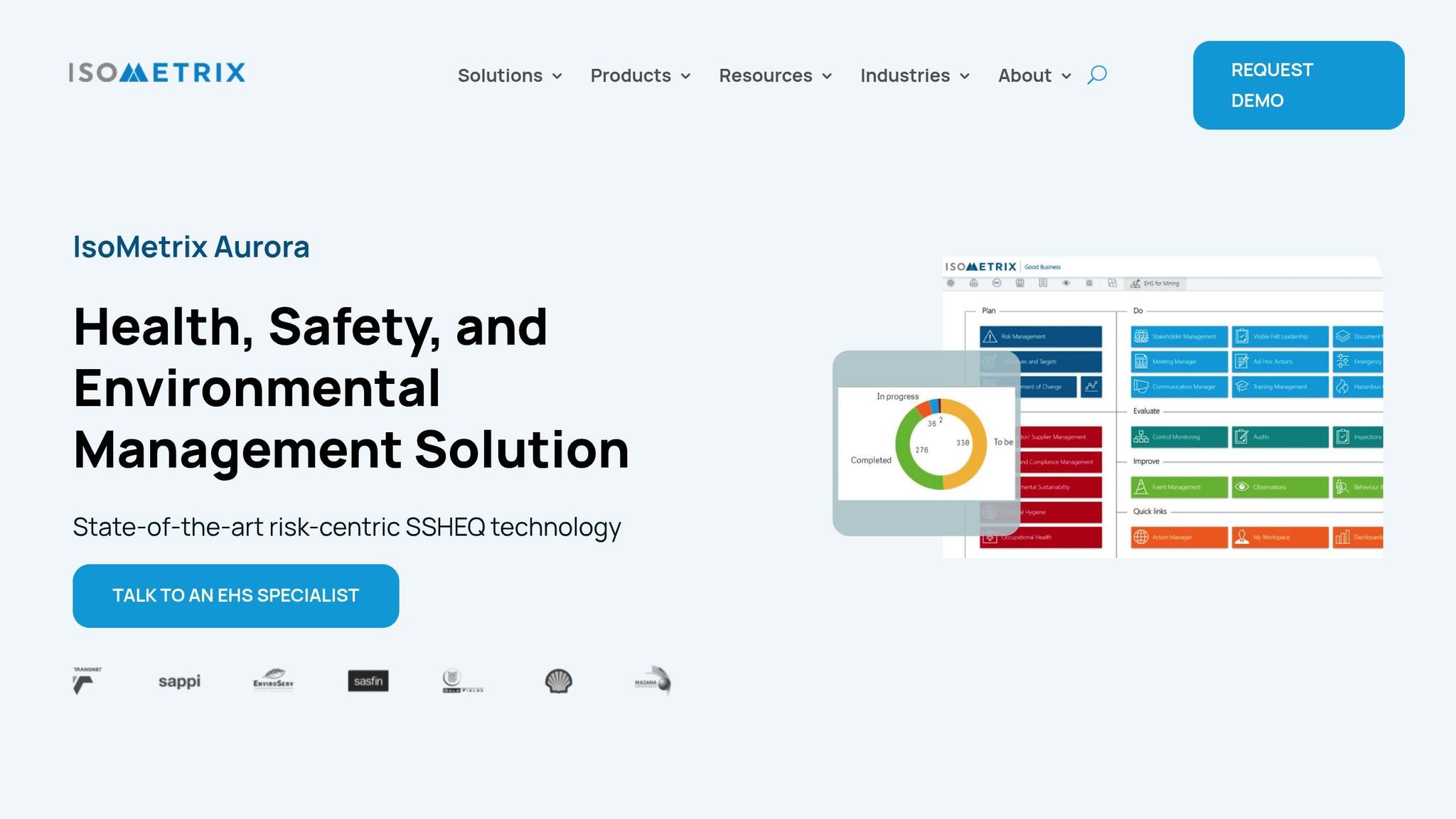
Isometrix Aurora is an incident reporting platform designed specifically for high-risk industries like construction. It goes beyond just documenting accidents by embedding safety management into everyday operations, helping businesses maintain oversight and meet regulatory requirements.
Mobile and Offline Functionality
IsoMetrix offers a powerful mobile solution with offline capabilities. Any system module can be converted into an offline form for both Android and iOS devices. This feature allows workers to log and update incident records even without an internet connection, with automatic syncing once they’re back online. This ensures seamless data collection and supports advanced analytics, no matter where the job takes place.
Advanced Data Tracking and Analytics
IsoMetrix Aurora turns raw incident data into actionable insights through a user-friendly dashboard. The platform generates on-demand reports for both internal and external stakeholders, while also logging and categorizing incidents and near misses. It automatically initiates investigation workflows using methods like ICAM or 5 WHYs. Additionally, it tracks corrective actions across various sites, providing standardized risk data for identifying trends.
Compliance Support (e.g., OSHA)
The platform helps construction companies navigate and adhere to safety laws, by-laws, and codes, ensuring compliance and assessing the effectiveness of control measures. IsoMetrix also manages risks through structured audits, inspections, and recurring assessments. From scheduling audits to implementing corrective actions, the system supports the entire process, ensuring readiness for regulatory inspections.
"Our IsoMetrix EHS platform is our life and blood. The system is embedded within our production systems, as everything that we do has a safety focus." – ZIMPLATS
"Everything is integrated, so no matter where you are in the IsoMetrix system, each component interconnects within the business." – Omnia Group
With an impressive 95% client retention rate, IsoMetrix has established itself as a trusted tool for companies operating in high-risk industries.
sbb-itb-aa28329
5. EHS Insight
EHS Insight is a safety management platform designed with a mobile-first approach, tailored for high-risk construction sites. It simplifies incident reporting, documentation, and compliance processes.
Mobile and Offline Capabilities
For construction sites where internet access can be spotty, the EHS Insight app is a game-changer. Workers can log incidents, complete inspections, and capture important data even while offline. Once connectivity is restored, everything syncs automatically. The app also supports field inspections with customizable checklists and provides instant access to Safety Data Sheets (SDS) and training records. This offline functionality integrates seamlessly into its tracking system to keep operations running smoothly.
"EHS Insight has been instrumental in advancing our safety program. With employees spread out across the country, this program has made it easy to not only collect but share information in real time. The app and offline capability even allow our remote employees to stay compliant."
– Safety & Environmental Manager Daniel J.
Data Tracking and Analytics
EHS Insight goes beyond incident logging. Managers can track corrective actions, monitor tasks, and manage deadlines – all from a centralized dashboard. Its real-time data sharing bridges the gap between field workers and management, ensuring swift and coordinated responses.
Compliance Support
Staying compliant is easier with EHS Insight. The platform provides mobile access to critical safety documents, including training records, safety protocols, and regulatory guidelines. Even in remote locations, teams can review these materials directly from their devices, helping them meet compliance standards effortlessly. The offline functionality ensures that regulatory adherence isn’t compromised, no matter where the work is happening. This all-in-one approach equips construction teams with the tools they need to make informed, safety-first decisions in real time.
App Comparison Chart
When it comes to modern construction safety management, the right app can make all the difference. Below is a comparison of key features across popular safety management apps, designed to help you find the best fit for your site conditions and workflow.
| Feature | Corfix | HammerTech | Intelex Incident Reporting | Isometrix | EHS Insight |
|---|---|---|---|---|---|
| Mobile/Offline Capabilities | Mobile app with offline sync | Full mobile access with offline mode | Mobile-friendly with limited offline | Comprehensive mobile app with offline support | Mobile-first design with robust offline functionality |
| Analytics & Reporting | Real-time dashboards with trend analysis | Advanced analytics with predictive insights | Comprehensive reporting suite | Data visualization with KPI tracking | Real-time data sharing with centralized dashboard |
| Compliance Support | OSHA-compliant forms and documentation | Multi-regulatory compliance (OSHA, EPA, DOT) | Enterprise-grade compliance management | Regulatory tracking and audit trails | Mobile access to safety documents and training records |
| Visual Documentation | Photo and video capture with annotations | 360° visual documentation and markup tools | Image attachments with incident mapping | Photo capture with digital signatures | Visual inspection tools with customizable checklists |
| GPS Integration | Location tracking for incidents | Automatic GPS logging of reports | Geographic incident mapping | Location-based reporting | Field location tracking |
| Customization | Configurable forms and workflows | Highly customizable checklists and processes | Enterprise customization options | Flexible form builder | Customizable inspection checklists |
Key Takeaways
For construction sites with poor connectivity, offline functionality is a game-changer. Apps like EHS Insight and HammerTech stand out in this area, allowing users to complete detailed incident reports offline and automatically sync the data once a connection is restored.
When it comes to analytics and reporting, every app offers strong capabilities, but some go further with features like hazard alerts, real-time insights, and tracking corrective actions. These tools can be invaluable for identifying risks and improving safety measures. Similarly, visual documentation has become a must-have. The ability to capture and annotate photos or videos directly within the app ensures clearer communication between field teams and management, streamlining incident investigations.
Compliance support is another critical factor. For construction firms, adhering to regulations like OSHA isn’t just a legal requirement – it’s essential for worker safety and project success. Apps like HammerTech and Isometrix provide extensive compliance tools, including multi-regulatory support and audit trails, making them ideal for large-scale operations.
Finally, consider the cost and training requirements. While enterprise-grade apps may offer advanced features, they could be overkill for smaller teams. Tools like Corfix and EHS Insight strike a good balance between functionality and affordability. Additionally, apps with mobile-first designs often have more intuitive interfaces, reducing the learning curve for field workers.
Choosing the right app ultimately depends on your team’s specific needs. Whether it’s offline access, advanced analytics, or compliance tools, the best solution will seamlessly integrate into your workflow while helping maintain safety standards and regulatory compliance.
Conclusion
A well-chosen accident reporting app can turn tedious paperwork into a streamlined, compliant process that not only addresses incidents efficiently but also helps prevent them in the future. On the flip side, picking the wrong app can jeopardize worker safety and leave your company vulnerable to costly OSHA violations and legal troubles.
Modern mobile accident reporting apps come packed with features like offline functionality, visual documentation, and automated compliance tracking. For example, industry case studies reveal that such tools can cut incident reporting time by up to 70%, offering a massive improvement over outdated methods.
Real-time data capture is another game-changer. Field workers often operate in remote areas with poor cell coverage or face high-pressure emergencies where immediate documentation is critical. Apps like EHS Insight and HammerTech are designed to handle these challenges, ensuring that essential safety information is recorded without delay.
These apps don’t just simplify reporting; they also strengthen compliance efforts, shielding your company from steep fines and legal risks. At the same time, they promote a culture of accountability, turning safety incidents into opportunities to learn and improve rather than issues to avoid.
Beyond immediate needs, these tools offer powerful data insights. Analytics features allow you to spot patterns in incidents – whether they’re tied to specific times, locations, or activities – so you can take proactive steps to address risks before they lead to serious problems.
For companies aiming to integrate safety reporting into broader operations, platforms like ABLEMKR provide a comprehensive solution. Combining workforce management with safety tracking, these tools make it easier to manage labor, monitor costs, and maintain compliance, creating a unified approach to safety and project efficiency.
Investing in a reliable accident reporting app is an investment in your workers and your business. By reducing incidents, ensuring faster compliance, and boosting worker confidence, these tools more than pay for themselves. Whether you choose a basic or enterprise-level solution, the key is finding one that fits seamlessly into your workflow and becomes a trusted tool for your team when it matters most.
FAQs
How do construction accident reporting apps help ensure OSHA compliance?
Construction accident reporting apps make it easier to meet OSHA regulations by simplifying critical tasks like real-time incident reporting, automated recordkeeping, and compliance tracking. These tools help streamline the process of documenting and reporting workplace incidents as required by OSHA.
Most of these apps come equipped with features for logging accidents, creating OSHA 300 logs, and sending reminders about upcoming compliance deadlines. By consolidating all this information in one place, they help construction teams stay organized, reduce the risk of penalties, and encourage safer practices on the job site.
Why is offline functionality important in construction accident reporting apps?
Why Offline Functionality Matters for Construction Accident Reporting Apps
Offline functionality plays a crucial role in construction accident reporting apps. It ensures workers can document incidents and manage safety data, even in areas with little to no internet access. This is especially important for remote job sites, underground projects, or sprawling construction areas where connectivity can be unreliable.
With the ability to collect and store data offline, these apps help avoid delays in reporting, keep data accurate, and support safety compliance efforts. Workers can concentrate on managing safety in real time without being held back by connectivity problems, ultimately creating safer and more efficient job sites.
How do data analytics features in construction accident reporting apps enhance site safety?
Data analytics tools in construction accident reporting apps are game-changers for boosting site safety. By examining patterns and spotting recurring hazards, these apps help predict risks before they escalate into actual incidents. With real-time insights, safety managers can step in early – adjusting protocols, addressing risky zones, and rolling out focused safety training.
On top of that, these apps make resource allocation smarter by highlighting where safety efforts will have the most impact. This approach doesn’t just cut down on accidents – it creates a safer, more efficient workspace for construction crews.


