
Real-time labor cost tracking tools help businesses monitor workforce expenses instantly, ensuring accurate budgeting, reducing errors, and improving decision-making. These tools collect data through mobile apps, GPS, or time clocks, syncing directly with payroll and accounting systems. Industries like construction and energy benefit significantly due to their complex projects and high labor costs. Key features include real-time updates, system integrations, and mobile accessibility, making it easier to manage labor costs effectively.
Key Takeaways:
- Labor costs can account for 50–60% of project expenses in construction.
- Real-time tracking reduces administrative costs by up to 30% and payroll errors by 40%.
- Tools like ABLEMKR offer immediate visibility into costs, worker profiles, and automated job matching.
- Mobile apps ensure accurate time tracking from remote locations.
- Integration with payroll and accounting systems eliminates manual data entry.
By implementing these tools, businesses can prevent budget overruns, improve compliance, and maintain better control over labor expenses.
Labor Cost Dashboard First Look: Deliverzen
Key Features of Effective Labor Cost Tracking Tools
Choosing the right labor cost tracking tool is essential for managing your workforce efficiently. Considering that 80% of manually submitted timesheets contain errors, businesses need tools that not only eliminate mistakes but also deliver actionable insights. The most effective tools excel in three key areas: real-time updates, seamless integration, and mobile accessibility.
Real-Time Data and Cost Updates
Real-time data capture changes the game for monitoring labor expenses. Instead of waiting for weekly or monthly reports, the best tools provide instant updates as employees clock in, switch tasks, or complete projects. This level of immediacy allows managers to spot cost overruns and make adjustments on the fly.
For example, tools that automatically pull data from mobile apps or GPS tracking ensure budgets and cost reports stay updated without the delays of manual methods. This instant feedback is especially valuable in project-based industries, where proactive adjustments can prevent small issues from snowballing into major financial setbacks.
Integration with Core Business Systems
Labor tracking becomes far more powerful when it integrates seamlessly with other business systems. The best tools connect directly with payroll, project management, and accounting software, creating a smooth data flow that removes the need for manual entry and reduces errors.
"For HR professionals, it’s about reducing manual payroll work, as it gets messy. The more automation and workflow integration you can get, the better." – Crystal Pinney-Ramos, HR Technology Strategist
Whether through one-way or bidirectional syncing, integrated systems save time, improve data accuracy, and enhance reporting capabilities. They also help lower payroll costs, boost security, and even improve employee morale. For example, when labor tracking tools link with job scheduling software, managers gain real-time insights into workforce operations and project progress, enabling smarter decisions. Some systems even include predictive features that flag potential disruptions, allowing businesses to act before problems arise.
To keep integrations manageable, companies should limit connection points to reduce complexity and errors. Consolidating data into a single system of record and ensuring proper reconciliation between platforms guarantees consistency across all systems.
Mobile Access for Field Management
Mobile access is a must for industries where much of the work happens outside traditional office settings. Effective tools provide full functionality through mobile apps, allowing field managers to track costs, adjust crew assignments, approve overtime, and communicate directly with the back office – all from the job site.
These apps go beyond simple clock-ins. They empower employees to manage their own time tracking by clocking in and out, switching job codes, and viewing their hours in real time. This transparency builds trust, reduces payroll disputes, and improves overall accuracy.
"Don’t just think about what you need today – look ahead and make sure the system can handle more employees, more complex workflows, and additional integrations as your company grows." – Lyndsi Wilson, Strategic HR Consultant
For tools to be effective in the field, they should work offline and sync data once connectivity is restored. A user-friendly interface also minimizes the need for extensive training, ensuring quicker adoption and better compliance.
When combined, these three features – real-time updates, seamless integration, and mobile access – create a robust system for managing labor costs. They provide the visibility and control businesses need to shift from reactive to proactive workforce management, ultimately driving productivity and profitability. Platforms like ABLEMKR exemplify these capabilities, offering real-time cost transparency and comprehensive workforce management solutions.
ABLEMKR: Workforce Management and Cost Tracking
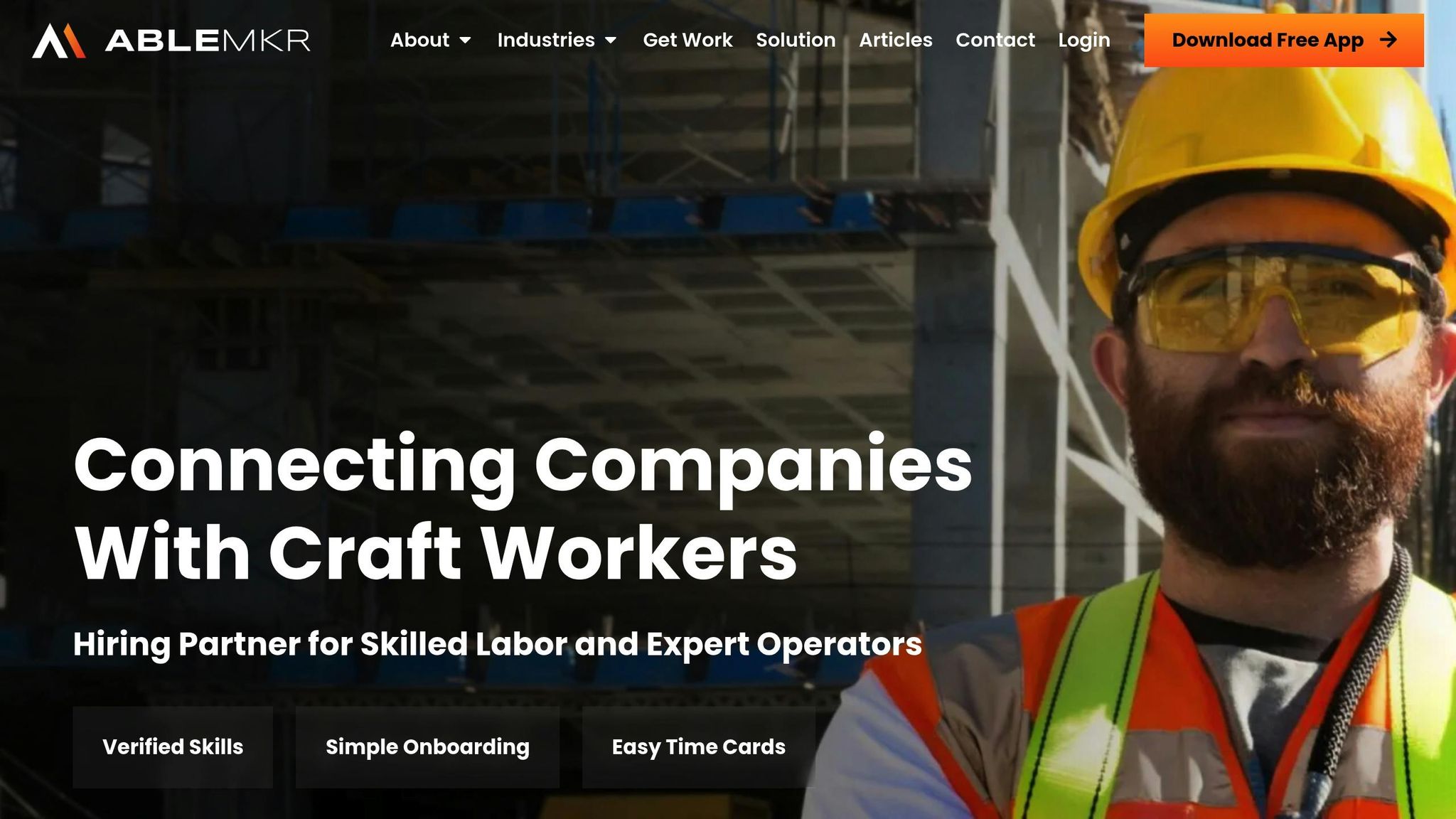
ABLEMKR is designed for industries where labor costs can account for as much as 40% of project expenses. This platform combines workforce management with real-time cost tracking, tackling the challenges that come with managing mobile teams and complex projects. Let’s dive into what makes ABLEMKR so effective.
Core Features of ABLEMKR
One of ABLEMKR’s standout features is its verified worker profiles. These profiles include details like skills, certifications, and work history, ensuring that the right people are matched to the right jobs. This is especially important in industries where compliance and precision are non-negotiable.
Another key feature is automated job matching. By pairing workers with open positions based on their skills, availability, and location, the platform reduces scheduling errors and downtime. This means your workforce is utilized more efficiently.
Real-time hourly tracking is another game-changer. It provides immediate visibility into labor costs, allowing managers to monitor expenses as they occur rather than relying on periodic reports. This is critical, especially when time theft and inaccurate reporting can cost U.S. construction companies up to 7% of their annual payroll. Combined with project post-calculations, ABLEMKR makes it easier to keep costs in check throughout a project’s lifecycle.
The platform also streamlines administrative tasks by offering W2 employment for workers and workers’ compensation coverage. This reduces compliance headaches while ensuring accurate cost allocation and reporting.
Mobile App and Real-Time Transparency
The ABLEMKR mobile app, available on iOS and Android, acts as a command center for both workers and supervisors. Workers can clock in and out, check assignments, and stay updated, while supervisors use dashboards to monitor hours, locations, and project progress in real time.
For instance, a mid-sized construction firm that adopted ABLEMKR saw payroll errors drop by 15%. They also improved the accuracy of their project cost forecasts, which helped them submit more competitive bids and boost client satisfaction. The app’s real-time tracking allowed supervisors to adjust staffing levels daily, ensuring projects stayed on track.
Beyond time tracking, the app supports instant invoicing, keeping financial records up to date. Detailed reports break down labor costs by worker, project, and time period, helping managers identify cost overruns and productivity trends. With these insights, companies can make smarter, data-driven decisions about workforce allocation. The platform’s flexible pricing options further enhance its appeal.
Pricing and Plan Options
ABLEMKR offers three pricing tiers to suit different business needs:
| Plan | Price | Best For | Key Features |
|---|---|---|---|
| Free Plan | $0 | Small businesses starting with digital workforce tools | Profile creation, basic job search, worker search, basic mobile app features |
| Premium Plan | Contact for pricing | Growing companies needing advanced tools | Instant invoicing, detailed job postings, automated matching, worker ratings, advanced cost tracking |
| Enterprise Plan | Custom pricing | Large staffing operations with complex requirements | Custom integrations, dedicated account management, advanced analytics, scalability features |
The Free plan is perfect for small businesses looking to explore digital workforce management without upfront costs. It covers essentials like job postings and worker profiles. The Premium plan adds advanced features, including automated job matching and instant invoicing, ideal for companies looking to streamline operations. For larger organizations, the Enterprise plan offers tailored solutions, such as custom integrations and advanced analytics, ensuring seamless workflows and reducing manual data entry.
This tiered pricing structure allows businesses to start small and expand as their needs evolve, saving time and improving accuracy along the way.
sbb-itb-aa28329
Best Practices for Implementing Real-Time Labor Cost Tracking
If you want real-time labor cost tracking to work for your business, it’s not just about picking the right software. Success depends on how well you introduce these tools to your team and weave them into daily operations. Done right, you’ll get accurate, actionable insights. Done poorly, you’ll face resistance and messy data.
Training and Onboarding Teams
Even the most advanced systems are useless without proper training. Your team needs to understand not just how to use the tools but also why accurate time tracking matters.
Offer a mix of training formats – like workshops, webinars, and e-learning – to cater to different learning preferences. This ensures everyone, from hands-on learners to those who prefer self-paced modules, gets the instruction they need.
Set clear expectations from the start. Spell out procedures for clocking in, logging breaks, and fixing errors. Document these in employee handbooks and reinforce them through team meetings or internal messaging platforms.
"A warm welcome email and a thoughtful onboarding experience aren’t just nice to haves. They’re a first impression that sets the tone for everything that follows. When people feel informed and genuinely welcome, they settle in faster, feel more connected, and start doing great work sooner." – Evangelos Bounas, People & Culture Generalist
Ease employees into the system by assigning essential tasks early on. Don’t overwhelm them with every feature upfront; instead, provide training as they encounter new tasks. This keeps learning manageable and timely.
Check in regularly during the first 30 to 90 days to address any issues before they become habits. These touchpoints are a chance to answer questions, offer guidance, and gather feedback about the system.
For remote workers, virtual orientations with assigned mentors can help bridge the gap. Make sure they understand how to use mobile apps and GPS features correctly, especially if they’re managing time on the go.
A strong onboarding process lays the foundation for effective use of real-time dashboards.
Using Real-Time Dashboards
Once your team is up to speed, dashboards become your go-to tool for turning raw data into decisions. The trick is knowing what to track and how to act on it.
Check dashboards daily for immediate issues and weekly for trends that can guide scheduling or resource allocation.
Focus on leading indicators, not just historical data. Metrics like current labor costs versus budget, productivity rates, and project completion percentages give you the power to make adjustments in real time.
When dashboards reveal errors – like missed clock-outs or excessive hours – have clear processes for quick corrections. Automated alerts can flag unusual patterns, helping you catch small problems before they escalate into big payroll headaches.
Customizing dashboards for different roles is also key. Supervisors may need detailed, worker-level data, while executives benefit more from high-level project summaries. Tailoring views ensures everyone gets the information they need without unnecessary clutter.
Automated tracking features can further reduce manual errors, making your data more reliable.
Avoiding Common Mistakes
Even with solid training and monitoring, certain missteps can derail your efforts. Avoid these common pitfalls to keep things running smoothly.
- Set Clear Goals: Make sure the system integrates seamlessly with your existing tools to avoid creating data silos.
- Get Employee Buy-In: Involve your team from the beginning to minimize resistance.
- Account for Diversity: Avoid a one-size-fits-all approach. Choose systems that accommodate different schedules, locations, and job types .
- Plan for Offline Use: For industries like construction where internet access isn’t always reliable, pick tools that work offline and sync later.
- Provide Ongoing Support: Don’t underestimate the need for continuous assistance. Make sure employees know where to turn for help.
- Stay Compliant: Use systems that handle labor laws, overtime, and break tracking automatically. Regularly review your setup to stay aligned with changing regulations.
Finally, remember to balance efficiency with employee well-being. Flexible scheduling options and fair use of tracking data – like ensuring accurate pay rather than punishing mistakes – can improve adoption rates. When employees see these systems as tools that benefit them, they’re more likely to embrace them.
Conclusion: Improving Transparency with Real-Time Tracking
Tracking labor costs in real time has become a necessity. Poor time management and clock-in inaccuracies drive up labor expenses, costing the U.S. economy billions every day. These numbers underscore why industries like construction and energy are focusing on precise workforce tracking.
But it’s not just about picking the right software – it’s about building a culture of transparency. Companies with strong communication policies are able to stick to budget estimates 76% of the time, compared to only 48% for those without such systems. This stark contrast demonstrates how effective tracking tools can reshape project outcomes.
Modern platforms designed for transparency and accuracy, like ABLEMKR, offer practical solutions. With mobile accessibility and verified profiles, ABLEMKR allows field workers to log hours instantly while giving managers real-time insight into labor expenses. This keeps projects on schedule and within budget.
Another game-changer? Integration. Today’s tracking tools can connect directly with payroll and ERP systems, eliminating manual data entry. This not only reduces errors but also frees up administrative teams to focus on more strategic tasks.
Key Takeaways
In the construction and energy sectors, real-time labor tracking is particularly valuable. These industries face unique challenges like remote job sites, project-based work, and fluctuating crew sizes – issues that traditional timekeeping methods struggle to address.
ABLEMKR meets these challenges head-on with its tailored workforce management features. Its project cost transparency tool helps managers monitor expenses in real time, preventing budget overruns before they spiral out of control. The platform’s mobile app ensures that workers on remote sites – from construction zones to energy installations – can log their hours accurately and on the go.
"Accurate cost tracking requires ongoing data comparison and monitoring of all bills, expenses, timesheets, purchase orders, and change orders (variations)." – Buildern
To make the most of these tools, businesses need to start with clear policies, detailed budgets (including a 1–3% contingency), and standardized cost categories. Regular reviews of data, supported by features like biometric authentication and geo-fencing, help optimize staffing and ensure accuracy.
When implemented effectively, these practices lead to better project efficiency, smarter resource allocation, and greater transparency. As construction and energy projects grow more complex, having real-time visibility into labor costs isn’t just helpful – it’s critical for staying competitive.
FAQs
How can real-time labor cost tracking tools help industries like construction and energy stay on budget and compliant?
Real-time labor cost tracking tools are transforming industries like construction and energy by offering immediate insights into labor expenses. These tools make it easy to accurately log work hours and link them to specific tasks or job codes. This detailed tracking allows businesses to keep a close eye on costs as they happen, enabling swift adjustments when spending veers off course.
These tools don’t just help with budgeting – they also play a crucial role in ensuring compliance with industry regulations and labor laws. Managers can quickly spot and resolve potential issues, minimizing the chance of fines or legal troubles. With this improved oversight, companies can prevent expensive budget overruns and maintain clear financial accountability across all their projects.
What should I consider when connecting labor cost tracking tools to payroll and accounting systems?
When connecting labor cost tracking tools with payroll and accounting systems, the goal is to ensure smooth data flow. Choose tools that can automate essential tasks like payroll processing, benefits management, and compliance checks. This minimizes manual work and reduces the risk of errors.
Make data security a priority by ensuring the integration aligns with U.S. labor laws and tax regulations. This safeguards sensitive information and keeps payroll accurate. A well-executed integration also enables real-time labor cost tracking by linking time-tracking data directly to payroll and accounting systems, boosting both efficiency and clarity.
What steps can businesses take to successfully implement and encourage the use of real-time labor cost tracking tools?
To make real-time labor cost tracking tools work effectively, businesses need to start by explaining the advantages to their team. Highlighting benefits like better cost transparency and smoother project management can help get everyone on board. Pair this with practical, hands-on training so employees feel confident using the tools, and offer ongoing support to tackle any issues that come up.
Adding easy-to-use features, such as mobile app access and automated workflows, can simplify adoption and fit seamlessly into daily routines. Sharing tangible outcomes – like fewer errors or time saved – can further build trust and motivate the team to use the tools consistently.


