
Mobile apps are transforming workforce management in industries like construction and energy. Here’s how:
- Addressing Workforce Shortages: With aging employees and a lack of skilled workers, mobile apps help bridge the gap by improving scheduling, task allocation, and communication.
- Real-Time Tools: Apps provide instant updates, track worker locations, and ensure compliance with safety standards.
- Time and Cost Efficiency: Digital time tracking and automated scheduling reduce manual errors, save time, and cut costs.
- Enhanced Communication: Seamless connection between field teams and office staff ensures quicker responses to challenges.
- Safety and Compliance: GPS tracking and digital reporting improve safety monitoring and adherence to labor laws.
For example, utilities and construction firms using mobile apps report increased efficiency, better cost control, and safer operations. These tools are no longer optional – they’re essential for tackling workforce challenges and staying competitive.
Biosite Mobile | Workforce Management app for construction | Access Control app | Fire Roll Call app
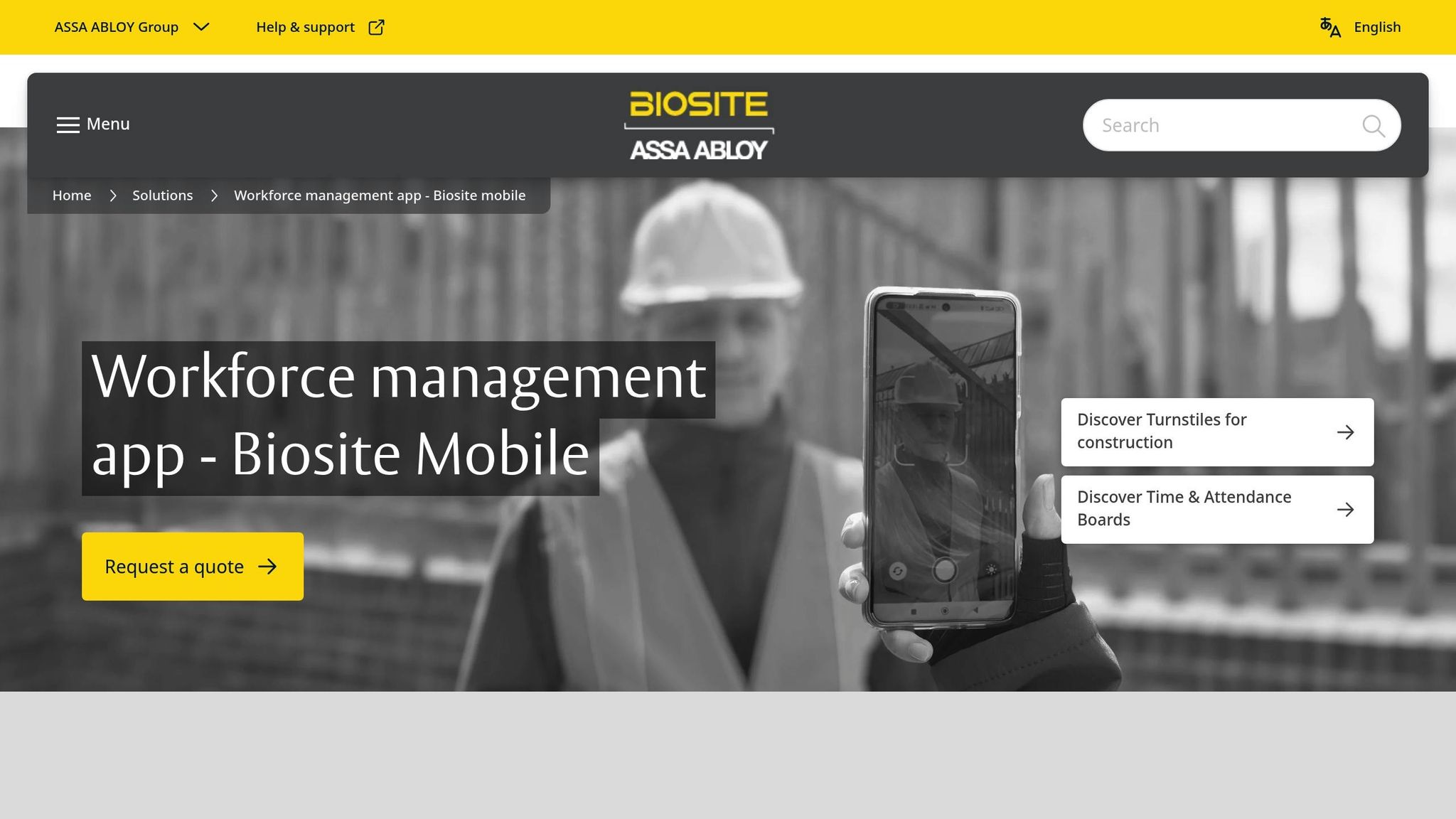
Mobile App Features for Workforce Management
Mobile apps offer specialized tools tailored to meet the everyday needs of workforce management. With the U.S. mobile workforce growing from 78.5 million in 2022 to 93.5 million in 2024 – representing nearly 60% of workers – there’s a rising demand for smarter management tools. Below, we’ll dive into the key features driving this evolution.
Real-Time Scheduling and Shift Management
Real-time scheduling tools let managers update work schedules instantly, bringing flexibility while cutting down on paperwork. This is especially helpful in industries like construction and energy, where weather delays, equipment breakdowns, or sudden project changes are common.
These tools provide clear visibility into workforce availability and project priorities. Managers can create digital job sheets that outline tasks, making it easy for workers to stay on track. For instance, if a pipeline inspection gets delayed due to bad weather, supervisors can quickly reassign crews to other tasks without resorting to phone calls or manual updates.
Mobile scheduling apps also incorporate automated scheduling, which matches workers to tasks based on their skills, certifications, and location. This avoids scenarios like assigning someone to a job site requiring safety credentials they lack. By filtering workers based on project needs, these systems reduce compliance risks and improve safety.
Workers benefit from instant notifications about schedule updates, overtime, or shift swaps. Instead of waiting for printed schedules or calling the office, they receive updates directly on their phones, making it easier to balance work and personal commitments.
GPS Tracking and Location-Based Worker Assignment
GPS tracking and location-based assignments streamline operations by ensuring workers are assigned to the right job sites, cutting down on travel time and improving safety monitoring. This is a game-changer for industries like construction, where 56% of company owners and managers spend up to 11 hours weekly just traveling to check on crews.
Geofencing features automate clock-ins and clock-outs, ensuring accurate attendance while reducing time theft.
A real-world example comes from companies like Atterholt Construction & Interiors, Trowbridge Custom Floors, and Crest Contracting, which adopted Timeero, a GPS tracking system. By leveraging geofencing and GPS, these companies increased accountability among field workers and simplified compliance with state regulations. The app also streamlined time-off requests and approvals, saving both time and money.
Location-based assignment tools further optimize efficiency by matching nearby workers to urgent tasks. For example, when a power line goes down, utility companies can quickly identify and deploy the closest qualified crew, speeding up repairs and minimizing service disruptions.
Safety monitoring is another critical benefit. GPS tracking allows managers to confirm that workers are in safe locations and following planned routes. If someone fails to check in from an expected location, supervisors can quickly intervene to ensure their well-being.
Time Tracking and Digital Reports
Digital time tracking systems automate attendance and provide real-time insights into labor costs, project progress, and overall productivity.
This shift from manual timesheets to digital tracking addresses a major challenge: 80% of U.S. construction projects exceed their budgets, often due to inaccurate labor cost tracking. Digital tools eliminate errors tied to paper records, offering managers up-to-date data on expenses.
Automation can save up to 16 hours weekly, freeing staff to focus on more strategic tasks. Workers can log hours directly from their mobile devices, with data seamlessly integrated into payroll and project management systems.
"Procore has eliminated paper timecards, reduced time entry errors, improved our employees’ time entry accountability, and significantly reduced payroll processing time." – George Liles, Liles Construction
Digital reporting features provide a wealth of data on labor and productivity. These insights help managers identify trends, assess project profitability, and make informed decisions about resource allocation. Jake Patton, General Manager at Pilot Painting, highlighted the impact:
"It’s been a game changer for sure. We have a better handle on what our true expenses are and what our profits should be on jobs."
For industries with strict labor regulations, compliance is another major advantage. These systems automatically track work hours, breaks, and overtime, ensuring adherence to labor laws. Lindsey Talmadge from Sunenergy1 emphasized this point:
"When you use ExakTime there’s a time stamp and picture. With paper time cards, it’s just your word against the employee’s."
| Feature | Description |
|---|---|
| Customizable Workflows | Digitized job sheets outlining task sequences for every project |
| Job Creation | Tools for managers to create and assign tasks efficiently |
| Reports | Detailed metrics on productivity, labor, and team performance |
| Integrations | Seamless connection with third-party tools and existing software |
| GPS Tracking | Real-time visibility into worker locations for better resource allocation |
Mobile workforce management tools empower companies to respond quickly to challenges, maintain better oversight of team activities, and improve overall efficiency. With the industry projected to grow at a CAGR of 13.2% from 2024 to 2033, these features are becoming essential for companies aiming to stay competitive in sectors like construction and energy.
Proven Benefits of Mobile Apps: Data and Studies
Mobile apps are more than just tools; they are game-changers for industries like construction and energy. They streamline operations, cut costs, and boost safety, delivering measurable results that directly affect business performance. Research backs this up, showing how mobile workforce management apps can transform productivity, cost control, and compliance.
Higher Productivity and Efficiency
Mobile apps make work smoother by cutting out manual tasks and providing real-time data. Companies using real-time data report a 30% increase in operational efficiency. This improvement comes from reducing downtime, speeding up decision-making, and improving communication between field teams and management.
The construction industry has been quick to adopt mobile technology. About 65% of contractors use tablets on job sites, and a whopping 93% rely on smartphones. Tools like AI-powered scheduling apps – such as those offered by Carbonara – automate labor schedules using real-time data, preventing staffing issues. Workers simply input information once, and the system updates everything from payroll to project management and compliance tracking.
Cost Savings and Better Resource Use
Mobile apps also help businesses save money. Real-time analytics and AI-driven recommendations can cut operational costs by up to 30%, while energy monitoring tools alone reduce expenses by 15% to 30%.
For example, in the energy sector, households using energy monitoring tools have seen an average 15% drop in energy bills. Commercial operations report even greater savings, with reductions of up to 30%. These systems work by providing instant insights into energy use, identifying waste, and suggesting adjustments to lower costs without sacrificing output.
Construction apps take this a step further by improving resource tracking. Imagine a multi-story project where teams use an app to check the availability and location of tools or materials in real time. If a flooring crew needs a tool, they can instantly see where it is – whether it’s in use or available on another floor – saving time and avoiding delays. These apps also optimize equipment use across multiple job sites, ensuring nothing goes to waste.
And it’s not just about saving money – these apps also play a critical role in keeping workplaces safer and compliant with regulations.
Better Safety and Compliance
Safety gets a major upgrade with mobile apps. They integrate real-time monitoring, incident reporting, and automated compliance tracking, making it easier to meet standards like OSHA requirements.
Some standout safety features include GPS tracking, incident reporting, compliance monitoring, and the use of digital forms. By keeping employees engaged and informed, these tools not only improve safety but also ensure that businesses stay on the right side of regulations.
sbb-itb-aa28329
Case Study: Mobile Apps in Real Projects
Mobile workforce apps are changing how on-site operations are managed, simplifying processes like worker verification, onboarding, and payroll. Companies are moving away from old-school hiring practices and turning to platforms that make these tasks more efficient and streamlined.
ABLEMKR for Workforce Management
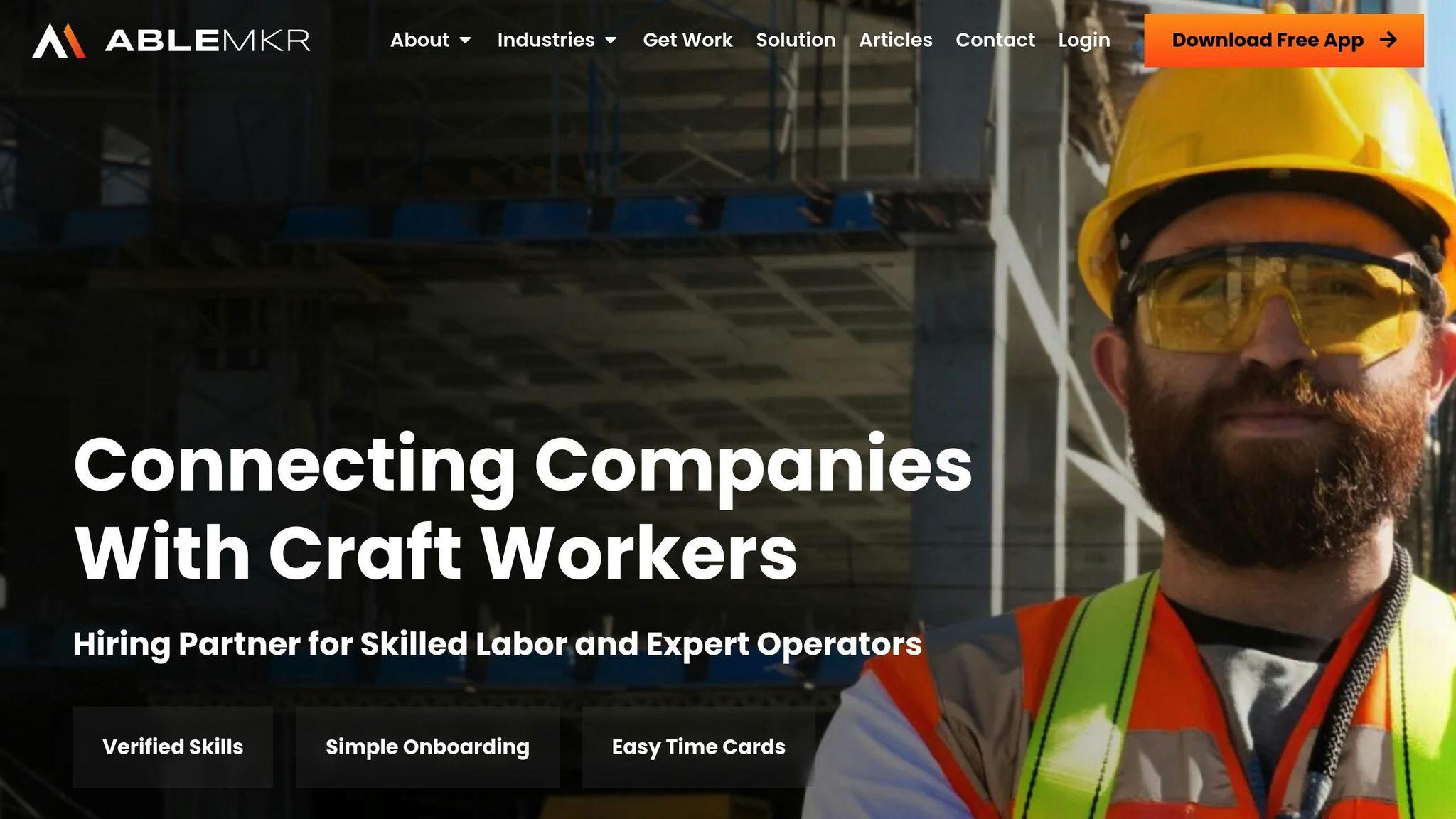
ABLEMKR is a platform designed to connect companies with skilled craft workers in industries like construction, oil & gas, and mining. It tackles workforce challenges by offering verified skills, easy onboarding, and digital time cards – all in one place. Acting as a staffing provider, HR partner, and workforce management tool, ABLEMKR provides a comprehensive solution.
The platform takes care of vetting and interviewing candidates before matching them with employers. Businesses set their own rates, and ABLEMKR finds qualified workers who meet those criteria. With thousands of workers already on the platform and new ones joining daily, companies have access to a steady talent pool for quick deployment.
Workers log their hours in real time, giving employers clear visibility into labor costs and project progress. This level of transparency removes the guesswork often associated with traditional staffing. Beyond that, ABLEMKR handles administrative tasks like onboarding, insurance, payroll management, supplemental benefits, and payroll taxes.
This all-in-one flexibility is particularly valuable in industries where specific certifications or experience are crucial. These core features lay the groundwork for a set of tools that deliver measurable improvements on job sites.
Features That Deliver Results
The ABLEMKR mobile app offers practical tools designed to solve real-world challenges on job sites. One standout feature is real-time location tracking, which allows supervisors to monitor worker positions across sprawling construction sites or remote facilities. This is critical for coordinating crews and responding quickly to safety issues.
Worker profiles and ratings add another layer of accountability. Employers can rate workers after assignments, creating a reputation system that helps future employers make smarter hiring decisions. Workers benefit too – strong ratings can lead to better job opportunities and higher pay.
An appointment booking system simplifies scheduling, letting workers and employers coordinate shifts without endless phone calls or paperwork. In-app messaging further reduces miscommunication and helps avoid scheduling conflicts.
The app’s automated matching feature speeds up hiring by connecting job postings with workers based on their skills, location, and availability. This is especially useful during busy seasons when labor demand surges.
Flexible scheduling gives workers control over their availability while helping employers quickly fill shifts. Workers can set their availability, and the system notifies them in real time about matching opportunities.
Lastly, ABLEMKR promotes cost transparency by cutting out middlemen with excessive markups. Employers can set rates directly, ensuring fair market prices, while workers enjoy competitive pay. Real-time hour logging and invoicing streamline labor cost tracking and speed up payments, addressing a common frustration in industries like construction and energy work.
Implementation Challenges and Solutions
Mobile workforce management apps bring many advantages, but implementing them isn’t always smooth sailing. Companies often face hurdles that, if anticipated, can be addressed more effectively with the right strategies.
One major roadblock is employee resistance to change. Jeff Thompson, co-founder and executive director of AwareManager, highlights this issue:
"Transitioning to mobile transforms longstanding workflows and faces natural resistance."
Another significant concern is security, especially when employees use personal devices for work. Zoltan Horvath, information security officer at Tresorit, emphasizes:
"With a mobile workforce, employees themselves are the most prominent risk factor… Companies need to provide security awareness training regularly".
This is especially critical in industries like construction and energy, where protecting sensitive project data is a top priority.
Connectivity issues also pose challenges, particularly in remote locations common to energy projects. Poor network coverage can disrupt real-time data access and hinder communication between crews and office teams.
Addressing these challenges requires thoughtful planning and strategic solutions to ensure mobile app adoption is as smooth and effective as possible.
Benefits vs. Challenges: Comparison Table
| Benefits | Challenges |
|---|---|
| 82% increase in first-time fixes with Field Service Management solutions | 20% of mobile workers report loneliness and communication difficulties |
| 18% increase in profitability through field service analytics | Security risks from personal device use |
| Real-time visibility into worker locations and project progress | Connectivity issues in remote job sites hinder data access |
| Streamlined scheduling and reduced administrative overhead | Change management requires comprehensive training programs |
| Automated matching of workers to job assignments | Integration challenges and the need for effective employee training |
Best Practices for Successful Implementation
To ease the transition, start small. Pilot the mobile platform at a single job site before rolling it out company-wide. This allows you to test the system, address issues early, and refine processes without disrupting larger operations.
Choose apps with simple, intuitive designs to win over workers who may be hesitant about new tech. Complex systems often fail because employees abandon them when they’re too difficult to use during busy workdays.
Training is essential. Focus on both how to use the app and why it benefits employees and the company. Provide role-specific guidelines and create clear, easy-to-follow materials. Identify "power users" who can act as resources for their colleagues.
Before selecting any technology, take a step back and map out your current workflows. Document how assignments, time tracking, and communication are handled to ensure the new tools align with your specific needs.
Keep field crews and office staff connected by establishing clear communication channels. Set actionable KPIs so everyone knows what’s expected and can track progress.
In industries where connectivity is unreliable, like construction and energy, invest in hardware that can function offline. Devices with offline capabilities ensure consistent performance even in areas with poor cell coverage.
Tie real-time data tracking to measurable business outcomes. Set baseline metrics to demonstrate the impact of the new system, showing employees how their efforts contribute to overall success.
Regularly review the system – schedule quarterly check-ins to assess what’s working and what needs improvement. Gathering feedback from everyone involved, from field workers to project managers, ensures the system evolves to meet your needs.
Finally, prioritize employee well-being. Offer reasonable schedules, maintain open communication, and provide mental health resources. With loneliness being a significant challenge for 20% of mobile workers, creating a supportive environment is vital for long-term success.
Also, don’t overlook compliance. Regularly review your processes to ensure they align with industry regulations and legal standards. This not only avoids legal complications but also builds trust with clients who have specific compliance requirements.
Conclusion: The Future of Mobile Workforce Management
The construction and energy sectors are undergoing a digital transformation that’s redefining how companies handle workforce management. Mobile apps have transitioned from being handy tools to becoming the backbone of business operations, offering a critical edge in a competitive market. This shift is sparking new technology trends that industry leaders must adopt to stay ahead.
The global workforce management market is set to grow from $55.06 billion in 2024 to $119.74 billion by 2032, with an annual growth rate of 10.20%. This rapid expansion underscores the increasing reliance on mobile technology as a key component of modern business strategies.
Organizations that integrate mobile workforce solutions are reaping benefits as advancements like 5G, AI, and augmented reality enable quicker decision-making and smarter scheduling. Meanwhile, IoT devices and wearables offer real-time insights into worker safety and performance, and blockchain technology ensures secure, tamper-proof records for work hours, contracts, and payments.
For construction and energy companies, adopting a mobile-first approach to workforce management is no longer optional. It’s a necessity to tackle persistent challenges in scheduling, communication, safety, and resource allocation.
Key Points for Industry Leaders
To remain competitive, industry leaders need to adapt their strategies to capitalize on these technological advancements. Mobile workforce management systems deliver tangible results, but security and compliance must remain at the forefront. With 74% of mobile workers reporting heightened customer expectations, tools that accurately track hours, breaks, and overtime are essential for avoiding costly regulatory missteps and meeting client demands for transparency.
The ability to leverage real-time data and predictive analytics is becoming a defining factor for success. For instance, a Boston-based construction company is using AI combined with GPS data to manage safety records for 30,000 employees, contractors, and subcontractors, ensuring safer job sites.
The companies that treat mobile workforce management as a strategic investment rather than a mere operational cost will position themselves for long-term success. They’ll see gains in efficiency, safety, and employee retention.
Platforms like ABLEMKR, which connect skilled and unskilled workers to job opportunities through mobile technology, highlight the growing importance of a mobile-first strategy. This approach reflects a forward-thinking vision for workforce management in a rapidly evolving landscape.
FAQs
How do mobile apps help solve workforce shortages in construction and energy industries?
Mobile apps are stepping up to tackle workforce shortages in construction and energy industries by boosting efficiency and simplifying how teams are managed. These tools make it easier to handle real-time scheduling, coordinate shifts, and track tasks, allowing companies to use their resources more effectively. They also improve communication between teams and managers, keeping everyone on the same page.
With features like remote access to project details and automation of routine tasks, mobile apps lighten administrative workloads and increase productivity. They also help create a more organized and transparent work environment, which can appeal to new talent and help retain current employees. For field-based or remote teams, this digital approach makes managing the workforce much easier and more adaptable.
What challenges do companies face when using mobile apps for workforce management, and how can they address them?
Companies often encounter several hurdles when rolling out mobile apps for workforce management. Common challenges include communication breakdowns, data security risks, limited network access in remote locations, and trouble managing schedules effectively. If left unaddressed, these issues can disrupt operations and hurt overall efficiency.
Here’s how businesses can tackle these problems:
- Incorporate reliable in-app communication tools to ensure seamless team interactions.
- Prioritize robust security protocols, such as encrypted data storage, to safeguard sensitive information.
- Provide offline functionality within the app to address network limitations in areas with poor connectivity.
- Utilize scheduling and tracking tools to make workforce coordination more manageable.
By implementing these solutions, industries like construction and energy can boost productivity, increase transparency, and create a smoother experience for their mobile workforce.
How do mobile apps improve safety and compliance in workforce management for industries with strict labor regulations?
Mobile apps have become essential tools for improving safety and ensuring compliance with labor laws, particularly in highly regulated industries like construction and energy. These apps allow employers to track work hours, breaks, and overtime in real time, helping them maintain accurate records and avoid potential violations.
Beyond tracking, they simplify tasks like documenting safety incidents, performing digital risk assessments, and automating compliance with labor regulations. Features such as automated scheduling promote fair work practices and help ensure rules are followed, ultimately boosting accountability and creating a safer work environment for employees.


