
Accessible staffing apps make it easier for workers, especially in construction and energy, to find jobs, stay productive, and ensure safety. By including features like large text, screen readers, and simple navigation, these apps address challenges like vision impairments, mobility issues, and low digital literacy. This benefits not only workers but also employers by speeding up job placements, reducing errors, and retaining skilled talent.
Key Highlights:
- Large Text & Adjustable Fonts: Helps workers read in poor lighting or with visual impairments.
- Screen Reader Integration: Converts text to audio for visually impaired users.
- Simple Navigation: Streamlined interfaces for quick and easy use, even on noisy job sites.
- Mobile Credential Management: Upload certifications directly from phones for faster hiring.
- Real-Time Notifications: Keep workers updated on job offers and safety alerts instantly.
- Support for Aging Workforce: Voice input and customizable settings help older workers stay productive.
These tools ensure that staffing apps are practical, user-friendly, and effective for everyone, regardless of their abilities or environment.
Accessibility for designers, with Stéphanie Walter
Core Accessibility Features That Improve Worker Experience
Accessibility features in staffing apps can make a world of difference for construction and energy workers. These tools address everyday challenges like reading screens under harsh sunlight or navigating apps while wearing protective gear. By prioritizing usability, these features boost efficiency and reduce errors on job sites.
Large Text and Adjustable Font Sizes
Adjustable font sizes are a game-changer for workers with visual impairments or those dealing with difficult lighting conditions. By allowing users to resize text, these apps ensure that critical information – like job details and safety instructions – is always readable.
Pairing adjustable text with high-contrast modes, such as white text on a black background, further improves visibility by reducing eye strain. This combination is especially helpful in bright or variable lighting, where small or low-contrast text can be hard to decipher. When workers can easily access clear, readable information, they’re better equipped to make informed decisions and complete tasks without miscommunication or mistakes.
Screen Reader Integration
Screen readers convert on-screen text and buttons into audio, making job details, safety guidelines, and notifications accessible to all workers, including those with visual impairments.
To enhance usability, descriptive labels are added to buttons and menus. Instead of a vague "button" announcement, a screen reader might say, "Apply for Pipeline Technician Position" or "View Safety Requirements." This level of detail helps workers navigate apps quickly and confidently, even in noisy environments where visual focus might be limited. When paired with clear visual cues, these features create a seamless and inclusive experience.
Simple Navigation and Mobile-First Design
For workers on fast-paced job sites, simple navigation is essential. Streamlined interfaces with clear menus, logical workflows, and fewer taps make it easier to find vital information quickly.
A mobile-first design takes this a step further by tailoring the app experience for smartphones, the primary device used by construction and energy workers. Features like one-tap actions and instant push notifications enable workers to respond to job opportunities in real time. For example, contractors can receive a notification and accept a job offer with a single tap – cutting traditional staffing timelines from days to mere minutes. This approach has already achieved a reported 47% success rate in job placements.
Large buttons and touch-friendly designs accommodate workers wearing gloves, while a clear visual hierarchy ensures that key information and actions stand out. Real-time communication tools further simplify interactions, allowing workers to message recruiters, confirm job details, and update their availability without navigating complex menus.
How Accessibility Benefits Construction and Energy Workers
Accessible staffing apps are transforming the way construction and energy workers find jobs, stay safe, and meet their unique needs. These tools don’t just make processes easier – they bring tangible benefits like quicker job placements, enhanced safety, and better support for workers across all stages of their careers. Let’s break down how these advantages make a real difference.
Faster Onboarding and Job Placement
Accessibility features are a game-changer for speeding up the hiring process. With tools like mobile credential management, workers can upload certifications – think OSHA cards, welding qualifications, or safety training documents – right from their phones. No more waiting days for paperwork to process; these credentials can often be verified within hours.
Real-time alerts and one-tap responses further streamline the process. Workers can instantly respond to job openings, cutting down on downtime and getting them back to work faster. This efficiency doesn’t just help workers – it ensures projects stay on schedule, benefiting employers as well.
Better Safety and Compliance
Safety is non-negotiable in construction and energy industries, and accessible features make it easier to prioritize. For instance, large text and high-contrast displays ensure that critical safety information – like hazard warnings or emergency procedures – remains visible, no matter the environment. Screen reader integration adds another layer of support, allowing workers to access audio-based training when their hands or eyes are occupied.
Real-time communication tools also play a vital role. Immediate notifications keep workers updated on safety alerts, schedule changes, or new compliance requirements. When regulations shift or a site introduces new safety protocols, these updates can be delivered instantly, reducing risks and keeping everyone informed. Plus, by cutting out delays caused by outdated email chains or manual paperwork, administrative hiccups are minimized, ensuring smoother operations.
Support for Aging and Injured Workers
Accessibility doesn’t just help new hires – it’s a lifeline for seasoned workers and those recovering from injuries. Voice input features, for example, let workers with hand injuries or arthritis search for jobs, update their availability, and communicate with employers without struggling with touchscreens.
For older workers, particularly those in their 50s and 60s, these tools help them stay in the field longer. Decades of experience are invaluable, and accessible interfaces ensure these workers can continue contributing even if traditional systems would pose challenges. Flexible scheduling options also come into play, allowing injured workers to ease back into their roles with modified duties or reduced hours, all while maintaining their productivity and expertise.
sbb-itb-aa28329
How to Implement Accessibility in Staffing Apps
Accessible design doesn’t just improve usability – it can make work environments safer and more efficient. To create staffing apps that genuinely serve all workers, a structured approach is essential. This means thorough testing, adaptable design, and training teams to prioritize inclusivity throughout the development process. By following these steps, you can ensure your app meets users’ needs while maintaining the benefits of accessibility.
Running Accessibility Audits
The first step is to align with established standards like the Americans with Disabilities Act (ADA) and Web Content Accessibility Guidelines (WCAG) 2.1 AA. These frameworks provide the foundation for legal compliance and user-friendly design.
Accessibility audits should combine automated and manual testing. Automated tools are great for spotting issues like missing alt text or low color contrast, but manual testing uncovers usability challenges that automated tools might miss. For example, testing with screen readers like NVDA or JAWS, ensuring smooth keyboard navigation, and verifying compatibility with assistive technologies are critical steps.
Make accessibility audits a regular part of your workflow, especially after deploying major updates or new features. While automated checks can be run with every release, more comprehensive audits should happen quarterly. This proactive approach helps catch small issues before they become costly problems.
Diverse user testing is another crucial component. Involving people with disabilities in the testing process provides insights into how real users interact with the app. This can reveal barriers that might seem minor but significantly impact daily workflows for workers with disabilities.
Customizable Interfaces and User Feedback
Once the app passes accessibility audits, offering customizable interfaces ensures it meets the diverse needs of its users. Features like adjustable font sizes, high-contrast color schemes, and simplified navigation modes should be easy to find in the settings menu – no one should have to dig through multiple screens to access them.
Think about the environments where these apps are used. A welder wearing gloves might need larger touch targets, while someone working in bright sunlight might rely on high-contrast displays. Additionally, voice input options can be a game-changer for workers with hand injuries or those in situations where touchscreens aren’t practical.
Feedback is another cornerstone of accessibility. Provide multiple ways for users to share their experiences, such as in-app forms, phone support, or text-based options. The submission process should be as seamless as the app itself.
Real-time communication tools, like push notifications or in-app messaging, help keep users engaged. These features are especially useful for workers who may not rely on traditional email or phone calls. When accessibility issues are reported, responding quickly and providing clear timelines for fixes builds trust and encourages ongoing feedback.
Training Development Teams on Accessible Design
Accessibility isn’t just a feature – it’s a mindset. To embed this mindset into your team, comprehensive training is essential. Developers should learn about semantic HTML, ARIA roles, color contrast, keyboard navigation, and screen reader compatibility. This foundational knowledge prevents accessibility issues from being baked into the app during development.
Training should also include hands-on exercises. For instance, having developers navigate the app using only a keyboard or a screen reader can provide valuable insights. Practical experience like this often leads to better design decisions and fewer accessibility barriers.
Since accessibility standards evolve, ongoing education is key. Monthly team discussions about challenges and solutions, along with updates on new guidelines or technologies, help maintain a focus on inclusive design.
Documentation is another critical piece of the puzzle. Accessibility requirements should be part of the planning stage for every new feature, not an afterthought. This ensures that accessibility is integrated into the development process from the start, reducing the need for costly retrofits down the line.
Training your team on accessibility doesn’t just improve the app – it saves time and money. When developers understand these principles from the outset, they can focus on building features that work for everyone, rather than fixing issues after the fact. The result? A smoother, more inclusive experience for all workers.
Accessibility in the ABLEMKR Platform
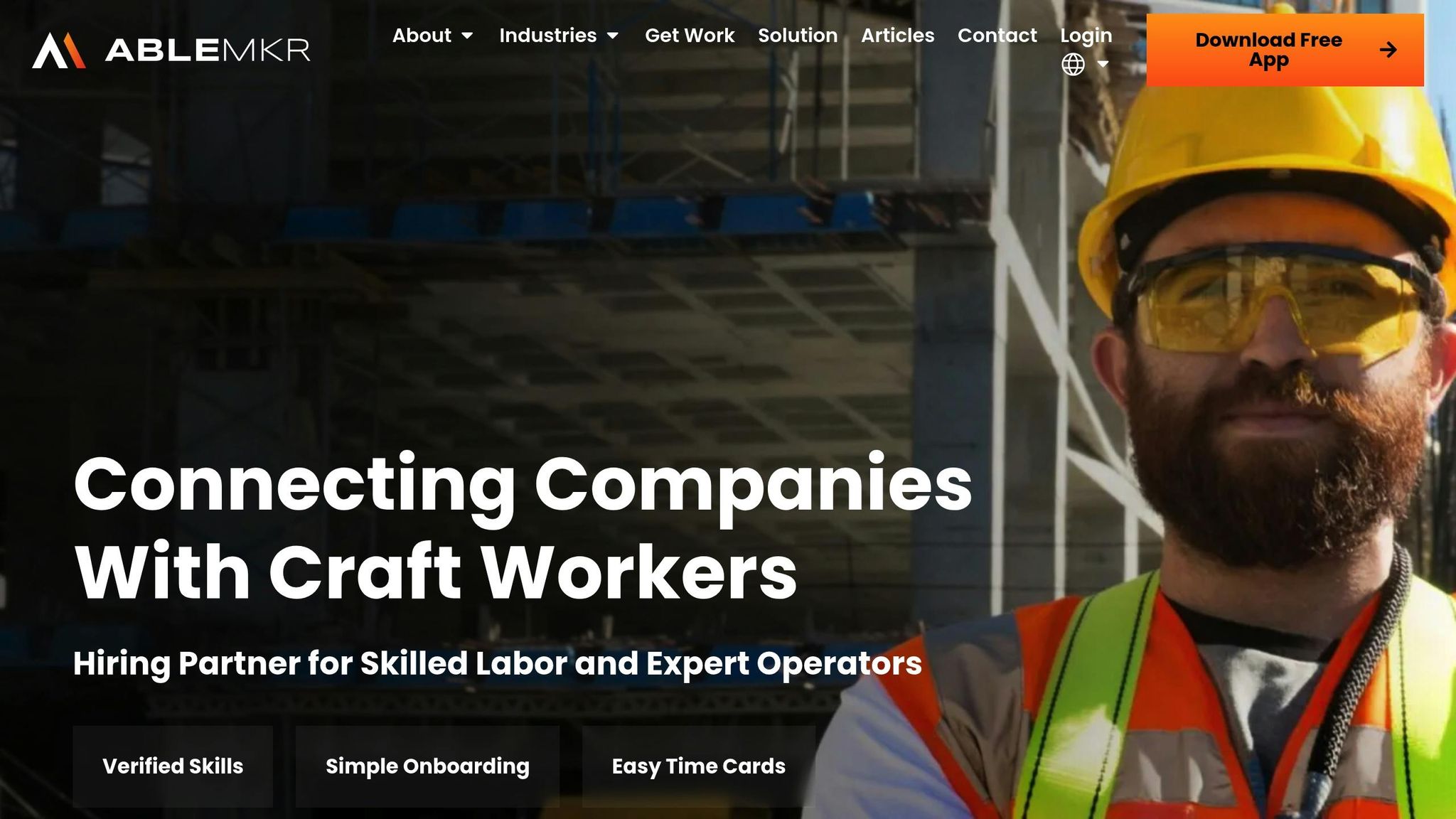
ABLEMKR incorporates accessibility into its mobile-first design to connect a diverse range of construction and energy workers with high-paying opportunities. The platform eliminates technological barriers, ensuring everyone can participate without unnecessary hurdles.
Here’s a closer look at how ABLEMKR translates these principles into practical features.
Accessible Features in ABLEMKR
ABLEMKR’s design prioritizes ease of use by leveraging familiar smartphone gestures. Workers can navigate the platform with the same intuitive actions they use daily, avoiding the complications of desktop-based systems.
With one-tap engagement, contractors can quickly view job details, accept offers, and confirm availability – all with a single tap. This eliminates the need to shuffle through multiple screens or forms, saving time and reducing frustration.
Mobile credential management allows workers to upload certifications, update their availability, and manage their profiles directly from their phones, making it easier to stay job-ready on the go.
Instant push notifications keep workers informed in real time about job opportunities, schedule changes, and payments. This replaces outdated communication methods like lengthy email threads, ensuring workers never miss critical updates.
These features not only simplify the user experience but also enhance efficiency and security for both workers and employers.
Benefits for Workers and Employers
ABLEMKR’s accessible design has significantly improved job placement efficiency, achieving a 47%+ success rate compared to traditional staffing methods. By removing technical obstacles, the platform helps workers quickly connect with roles that match their skills.
For workers, features like guaranteed on-time payments provide much-needed financial stability, particularly for those dealing with disabilities or health conditions. Transparent cost structures and real-time invoicing make financial planning straightforward, while W2 employment and workers’ compensation coverage ensure comprehensive protections and benefits.
Employers benefit from real-time visibility into worker availability and status, along with built-in compliance tracking. Automated job matching based on certifications, safety training, availability, and location ensures workers are paired with roles that align with their expertise. Additionally, integrated payroll workflows reduce administrative tasks, making inclusive hiring practices seamless.
ABLEMKR’s Approach to Workforce Deployment
ABLEMKR is expanding its reach from construction into energy and extractive industries, offering scalable solutions tailored to high-risk sectors. With a strong presence in major U.S. cities and energy hubs, the platform is well-equipped to serve a wide range of workers across different regions.
By embedding accessibility into every aspect of its processes, ABLEMKR ensures that skilled workers are not held back by outdated technology. The platform’s ability to mobilize crews for urgent tasks like pipeline repairs, mine development, or last-minute shutdowns highlights how accessibility drives operational efficiency. Pre-vetted worker profiles and simple application processes ensure that qualified workers are matched with opportunities, broadening the talent pool for employers and creating more jobs for workers.
As the energy sector evolves with the introduction of new roles and work environments, ABLEMKR’s focus on accessibility helps the workforce adapt to these changes. By prioritizing accessibility from the start, ABLEMKR is paving the way for a more inclusive and resilient future in industrial workforce management.
The Long-Term Impact of Accessibility on Worker Experience
Accessibility features offer benefits that extend well beyond immediate usability. When construction and energy workers can seamlessly navigate platforms, apply for jobs, and manage their profiles without technical hurdles, the ripple effects are felt across entire industries. These improvements contribute to better worker retention and increased productivity.
Platforms designed with a mobile-first, accessibility-focused approach have been shown to enhance worker retention rates compared to traditional systems.
For the aging workforce in construction and energy sectors, accessibility is especially important. As seasoned workers encounter challenges like vision changes, mobility issues, or adapting to new technologies, accessible platforms ensure they remain active contributors to critical projects. This not only safeguards the wealth of institutional knowledge they bring but also supports workforce stability during essential tasks like pipeline repairs or mine development.
Familiar and user-friendly interfaces also lead to measurable productivity boosts over time. Tools like fatigue management apps help maintain worker health, reduce sick days, and improve overall project outcomes. Streamlined access to job postings, certification updates, and payment systems allows workers to focus on their tasks without unnecessary distractions.
From the employer’s perspective, the long-term advantages are equally compelling. Accessible platforms lower recruitment costs and improve project completion rates by widening the talent pool to include individuals who might otherwise struggle with overly complicated systems. This is especially critical during labor shortages, as it ensures a steady supply of skilled workers.
Barrier-free systems also foster stronger worker loyalty to the platform. This loyalty can lead to more dependable crew availability for urgent projects and better safety compliance, as workers become more comfortable with simplified reporting tools.
Looking ahead, as the energy sector adapts to emerging technologies and evolving work environments, accessible staffing platforms will play a key role in workforce transitions. By incorporating accessibility features from the start, workers can more easily shift between projects, update their skills, and maintain steady employment over the long haul.
FAQs
How do accessibility features in staffing apps help workers in the construction and energy industries, especially older professionals?
Accessibility features such as large text, screen readers, and simplified navigation are game-changers for staffing apps, making them more user-friendly for workers of all ages, particularly older professionals. These tools ease the process of finding job opportunities, completing onboarding tasks, and accessing critical information – all without unnecessary hassle or frustration.
For older workers, these features address common challenges like diminished vision or navigating overly complicated interfaces. By incorporating accessibility into their design, platforms like ABLEMKR allow skilled laborers to concentrate on their work instead of wrestling with technology, delivering a smoother and more productive experience for everyone involved.
How can staffing apps be designed to meet accessibility standards and improve user experience?
To make a staffing app accessible to everyone, including individuals with disabilities, developers should prioritize features that enhance usability. This includes options like adjustable text sizes, compatibility with screen readers, and simple, intuitive navigation with clear labels and minimal steps.
Meeting accessibility standards, such as those outlined in the Americans with Disabilities Act (ADA), isn’t just about compliance – it’s about improving the experience for all users. This is particularly important for workers in physically demanding fields like construction and energy. By designing with inclusivity in mind, these apps can ensure skilled laborers can easily search for and apply to jobs without unnecessary hassle, allowing them to stay focused on their tasks.
How do real-time notifications in staffing apps enhance safety and compliance on job sites?
Real-time notifications in staffing apps, like those found in ABLEMKR, are a game-changer for improving safety and compliance on job sites. These alerts provide employers with instant updates about worker status, ensuring that every team member is properly vetted and holds the necessary certifications and safety clearances before stepping onto a site.
With real-time visibility and built-in compliance tracking, these tools make managing crews more efficient and less risky. They help match workers to projects based on their qualifications, availability, and location, leading to safer, more organized, and productive job sites.


