
Cloud collaboration is transforming the construction industry by solving long-standing issues like miscommunication, outdated processes, and project delays. These platforms provide a single, secure space for teams to share project data, communicate in real-time, and stay aligned across locations.
Key Benefits of Cloud Collaboration in Construction:
- Real-time updates: Teams can access the latest blueprints, schedules, and documents instantly, reducing errors.
- Enhanced communication: Integrated tools like messaging, video calls, and notifications replace inefficient phone calls and email threads.
- Improved cost tracking: Real-time insights into expenses and resources help prevent budget overruns.
- Safety management: Digital safety checklists, incident reporting, and OSHA-compliant records streamline safety protocols.
- Regulatory compliance: Simplifies managing state and local documentation requirements.
- Mobile access: Field workers can use smartphones or tablets to stay connected, even with limited internet.
How It Works:
- Centralized workspaces store all project files with role-based access.
- Version control ensures everyone works with the latest documents.
- Integration with existing tools like accounting software and workforce management systems.
Why It Matters for U.S. Construction:
- Addresses challenges like labor shortages, compliance, and geographic spread.
- Supports imperial measurements, U.S. date formats, and regional time zones.
- Simplifies coordination across multiple states and time zones.
Cloud collaboration tools are becoming essential for modern construction projects, offering streamlined workflows, better communication, and improved safety measures.
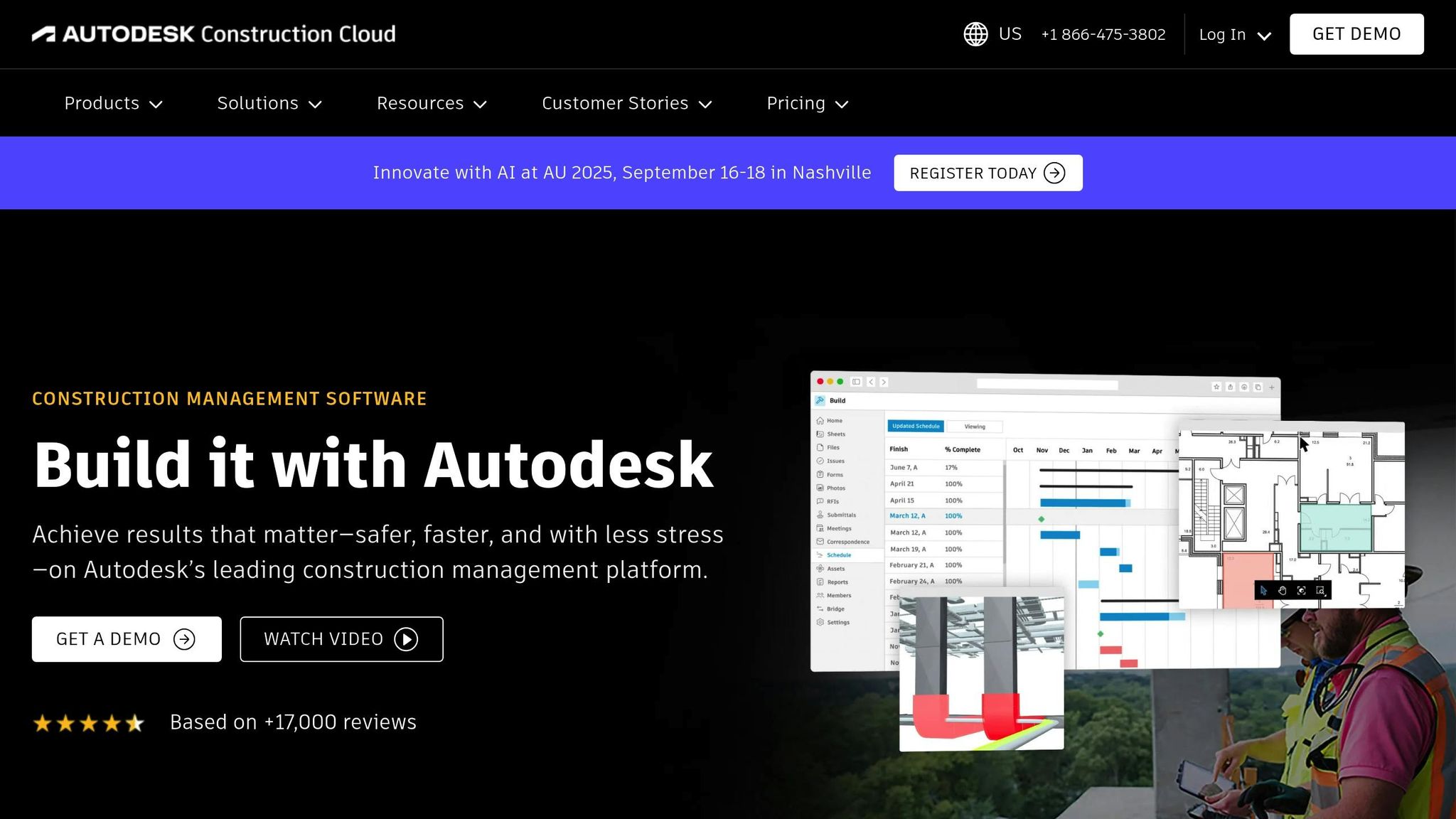
Cloud Collaboration for Industrial Projects: A Guide to Autodesk Construction Cloud
Setting Up Cloud Collaboration Tools for Construction Projects
To tackle the communication breakdowns and delays often seen in construction projects, setting up cloud collaboration tools requires more than just creating accounts. It involves tailoring the system to fit your workflows, training your team effectively, and ensuring everything complies with U.S. construction standards.
A successful setup addresses the unique needs of various team members. Field workers need mobile-friendly tools that can handle tough environments, while office staff require reliable document management systems. Project managers benefit from tools offering real-time insights into progress and costs.
How to Choose the Right Cloud Tools for Construction
Picking the right cloud platform starts with understanding your project’s specific needs. It’s important to prioritize user roles and ensure team members have access tailored to their responsibilities.
For example, site supervisors need full editing access for daily reports, progress photos, and schedules. Subcontractors might only need access to specific sections of the project. Meanwhile, clients and stakeholders often require view-only access with the ability to comment or approve changes.
Field teams spend most of their time on-site, so the platform must work seamlessly on smartphones and tablets. Offline access is also a must, as construction sites often have unreliable internet connections.
Integration is another key factor. Many construction companies already use tools like accounting software, project management platforms, or equipment tracking systems. The cloud platform should integrate with these existing tools rather than forcing you to overhaul your processes. Additionally, ensure the platform can handle large files like blueprints, high-resolution images, and videos without lag.
Security is critical, especially for projects involving sensitive data or government contracts. Look for features like role-based permissions, audit trails, and compliance with standards such as SOC 2 or ISO 27001.
Cost structures vary widely. Some platforms charge per user per month, while others base pricing on storage or the number of projects. Be sure to account for potential overage fees and scaling costs as your team grows.
These considerations lay the groundwork for effective team training and system configuration.
Training Construction Teams to Use Cloud Technology
Training your team to use cloud tools effectively requires a practical, hands-on approach. Start by identifying tech-savvy team members who can act as internal champions, helping to train and guide others.
Focus training sessions on real-world scenarios instead of generic instructions. Show workers how to upload photos of completed tasks, access updated blueprints, or report safety issues using actual project examples. This approach helps them see the immediate benefits.
Since construction teams often work in challenging environments, train workers on the devices they’ll use on-site. Teach them how to navigate apps while wearing gloves, take clear photos in different lighting conditions, and use offline features when internet access is limited.
Keep training sessions short – 15 to 20 minutes is ideal for busy schedules. Focus on one key function per session, such as accessing documents one day and uploading photos the next.
Provide laminated quick reference cards with step-by-step instructions for common tasks. Include screenshots and make sure the cards are durable enough to withstand job site conditions.
Address any resistance by demonstrating how these tools simplify tasks rather than adding extra work. For instance, show how digital daily reports eliminate repetitive data entry or how instant access to updated plans reduces costly mistakes.
If your platform connects workers with job opportunities, like ABLEMKR, emphasize how using these tools effectively can enhance their professional profiles and attract future employers.
Once your team is comfortable with the tools, the next step is to configure the system to meet U.S. construction standards.
Setting Up Cloud Tools for U.S. Standards
When configuring cloud collaboration tools for U.S. construction projects, it’s essential to align with U.S. formatting and measurement standards.
- Date formats: Use MM/DD/YYYY to avoid confusion, as many international platforms default to DD/MM/YYYY. This ensures clarity in timelines and deadlines.
- Currency settings: Display amounts in U.S. dollars ($) with commas for thousands and periods for decimals (e.g., $1,250,000.50).
- Imperial measurements: Set fields to use feet, inches, pounds, and Fahrenheit, as these are standard in U.S. construction. Ensure the platform can handle mixed units for cases where metric is also used.
- Time zones: Configure the primary time zone based on the project’s location, but allow for multiple time zones if team members are spread across regions. Use standard abbreviations like EST, CST, MST, and PST.
- Number formatting: Ensure numbers use commas for thousands and periods for decimals, maintaining consistency across measurements, quantities, and financial data.
- Working days and holidays: Adjust calendars to reflect U.S. holidays like Memorial Day, Independence Day, and Labor Day, as these can significantly impact project timelines.
- Address formats: Use U.S. postal conventions with fields for street address, city, state, and ZIP code. This is crucial for deliveries, permits, and compliance documents.
- User permissions: Align permissions with typical U.S. construction hierarchies. General contractors often need full oversight, while subcontractors and trades require limited access to specific areas.
Best Practices for Cloud Collaboration in Construction
For construction companies in the U.S., using cloud collaboration platforms effectively means following practices that boost productivity while keeping project data secure. A crucial part of this process is ensuring that the chosen platforms adhere to top-tier data security and compliance standards.
Data Security and Compliance Requirements
Cloud collaboration tools are designed with strict security measures to protect sensitive project information. These platforms also support critical functions like real-time safety planning, seamless communication of safety protocols, and quick incident reporting. By meeting current data protection regulations, they not only safeguard data but also contribute to improved on-site safety through better planning and faster response to safety concerns.
sbb-itb-aa28329
Case Studies: Cloud Collaboration Success in U.S. Construction
Construction projects across the U.S. are increasingly turning to cloud collaboration tools to streamline workforce management, keep costs in check, and strengthen safety measures.
Smarter Workforce Coordination and Cost Management
One major contractor leveraged a digital platform to monitor labor hours, equipment usage, and material deliveries in real time. This level of transparency allowed them to make on-the-fly adjustments to staffing and allocate resources more effectively.
Another contractor integrated scheduling and cost-tracking tools to tackle workflow bottlenecks. This system helped them quickly pinpoint inefficiencies, resolve them faster, and keep projects on track – minimizing delays and ensuring smoother operations.
These digital upgrades didn’t just improve workflows; they also created opportunities to enhance safety communication across job sites.
Strengthened Safety Compliance and Communication
Safety protocols saw a major boost thanks to cloud collaboration tools. Teams used these platforms to report incidents and share hazard updates instantly, ensuring potential risks were addressed as soon as they were identified.
Real-time communication features allowed safety managers to coordinate efforts across multiple zones. Workers received location-specific alerts, giving them timely and relevant safety instructions tailored to their immediate environment. This proactive approach significantly improved overall site safety.
These examples show how cloud collaboration tools are transforming construction projects – helping teams work more efficiently, manage costs effectively, and maintain safer job sites. It’s a clear win for everyone involved.
Key Takeaways for Cloud Collaboration in Construction
Cloud collaboration is reshaping the way construction projects are managed in the U.S., offering a smarter approach to efficiency, cost control, and safety. Real-world examples of its success highlight how these platforms are becoming essential for staying competitive in the industry.
One of the standout benefits is real-time tracking. With the ability to monitor labor, equipment, and materials as they’re being used, teams can make quick adjustments to avoid delays. This level of transparency removes the guesswork that often leads to budget overruns and scheduling headaches.
Centralized communication is another game-changer. Cloud platforms break down barriers between office staff, field crews, and subcontractors. By creating a unified communication channel, they help keep projects on track and reduce unnecessary delays.
When it comes to safety, these tools take a proactive approach. Features like digital incident reporting and hazard alerts allow teams to address risks before they escalate. Location-specific safety notifications ensure workers receive relevant updates tailored to their immediate environment, creating a safer job site overall.
Document management also gets a major upgrade. Centralized access to the latest plans and project documents helps minimize rework and ensures everyone is on the same page throughout the project lifecycle.
The industry’s shift toward data-driven project management is clear. Companies adopting cloud collaboration tools are better positioned to deliver projects efficiently while maintaining higher safety standards and tighter cost control.
For those exploring this transition, platforms like ABLEMKR offer a glimpse into how digital tools can enhance workforce coordination. By connecting skilled workers to projects through verified profiles and transparent cost tracking, these platforms complement the broader move toward digital transformation in construction.
FAQs
How do cloud collaboration tools enhance safety and compliance in construction projects?
Cloud collaboration tools play a key role in boosting safety and compliance in construction. They offer real-time incident reporting, centralized access to safety procedures, and smooth communication between team members. With these tools, everyone on-site can access the latest safety updates, helping to lower risks and create a safer work environment.
These tools also simplify tasks such as tracking safety training, sending out certification reminders, and generating compliance reports. By automating these responsibilities, construction teams can reduce mistakes, stay aligned with regulations, and concentrate on keeping the job site secure and productive.
What should construction companies look for in a cloud collaboration platform?
When choosing a cloud collaboration platform for your construction business, it’s essential to pay close attention to security features. Look for options that include data encryption and multi-factor authentication to safeguard your sensitive information. Equally important is ensuring the platform is user-friendly and supports real-time collaboration, which is especially valuable for teams spread across various locations or job sites.
You should also consider platforms with strong mobile access for team members who need to stay connected while on the move. Features like scalability to match the growth of your projects, along with efficient tools for data sharing and project management, can make a huge difference. These capabilities help streamline communication, improve team coordination, and boost overall workflow efficiency.
What’s the best way to train construction teams to use cloud collaboration tools, even in tough work environments?
To get construction teams comfortable with cloud collaboration tools, prioritize practical, hands-on training that reflects actual on-site challenges, like working in remote locations or managing spotty internet connections. This way, employees can build the skills they need to handle real-world obstacles effectively.
Another great approach is using virtual reality (VR) training modules. These let workers experience simulated scenarios, making the learning process more engaging and interactive. Plus, VR offers a safe space to practice with digital tools before putting them to use on the job. Combine these methods with ongoing support and open communication to ensure teams feel confident using cloud collaboration tools, regardless of the work environment.


