
Managing labor costs and mobile crews across multiple job sites is a constant challenge in the construction industry. Inaccurate time tracking can lead to project overruns, payroll errors, and compliance issues. The solution? Affordable time tracking tools designed specifically for construction businesses. These tools offer features like GPS tracking, geofencing, automated timesheets, and payroll integration to save time and money while improving workforce management.
Here are seven budget-friendly options to consider:
- ABLEMKR: Workforce deployment platform with real-time visibility, geo-location, and compliance tracking. Free app available; premium pricing is custom.
- Buildbite: Simplifies project management and time tracking with GPS and payroll integration. Starts at $5–$8/user/month.
- Time Tracker by eBillity: Focuses on reducing payroll errors with cost-code tracking. Starts at $6/user/month plus a base fee.
- A.C.T.S.: Designed for union compliance and certified payroll with GPS and geofencing. Priced at $5–$12/user/month.
- Morningmate: General collaboration tool with basic time tracking but lacks GPS. Free for small teams; paid plans start at $7/user/month.
- Contractor Foreman: Comprehensive construction management, including time tracking, for $49/month (up to 10 users).
- Connecteam: Mobile-first platform with GPS, geofencing, and project tracking. Free for small teams; paid plans start at $29/month (up to 30 users).
These tools can reduce payroll errors, save administrative hours, and improve compliance. Below is a quick comparison to help you decide.
Quick Comparison
| Tool | Starting Price | Free Plan/Trial | GPS Tracking | Key Features |
|---|---|---|---|---|
| ABLEMKR | Custom pricing | Free app available | Yes | Workforce deployment, compliance tracking, certified worker matching |
| Buildbite | $5–$8/user/month | 14-day free trial | Yes | Job costing, crew management, payroll integration |
| Time Tracker by eBillity | $6/user/month + base fee | 30-day free trial | Yes | Cost-code tracking, compliance, payroll integration |
| A.C.T.S. | $5–$12/user/month | Demo available | Yes | Union compliance, certified payroll, geofencing |
| Morningmate | $7/user/month | Free for small teams | No | Task management, team collaboration, basic tracking |
| Contractor Foreman | $49/month (10 users) | 30-day free trial | Yes | Project management, scheduling, compliance |
| Connecteam | $29/month (30 users) | Free for small teams | Yes | GPS, geofencing, shift scheduling, digital forms |
Choose based on your team size, job site locations, and specific needs. Start with free trials to find the best fit for your business.
Top 7 Time Clock Apps for Construction in 2025 (Tested & Reviewed)
1. ABLEMKR
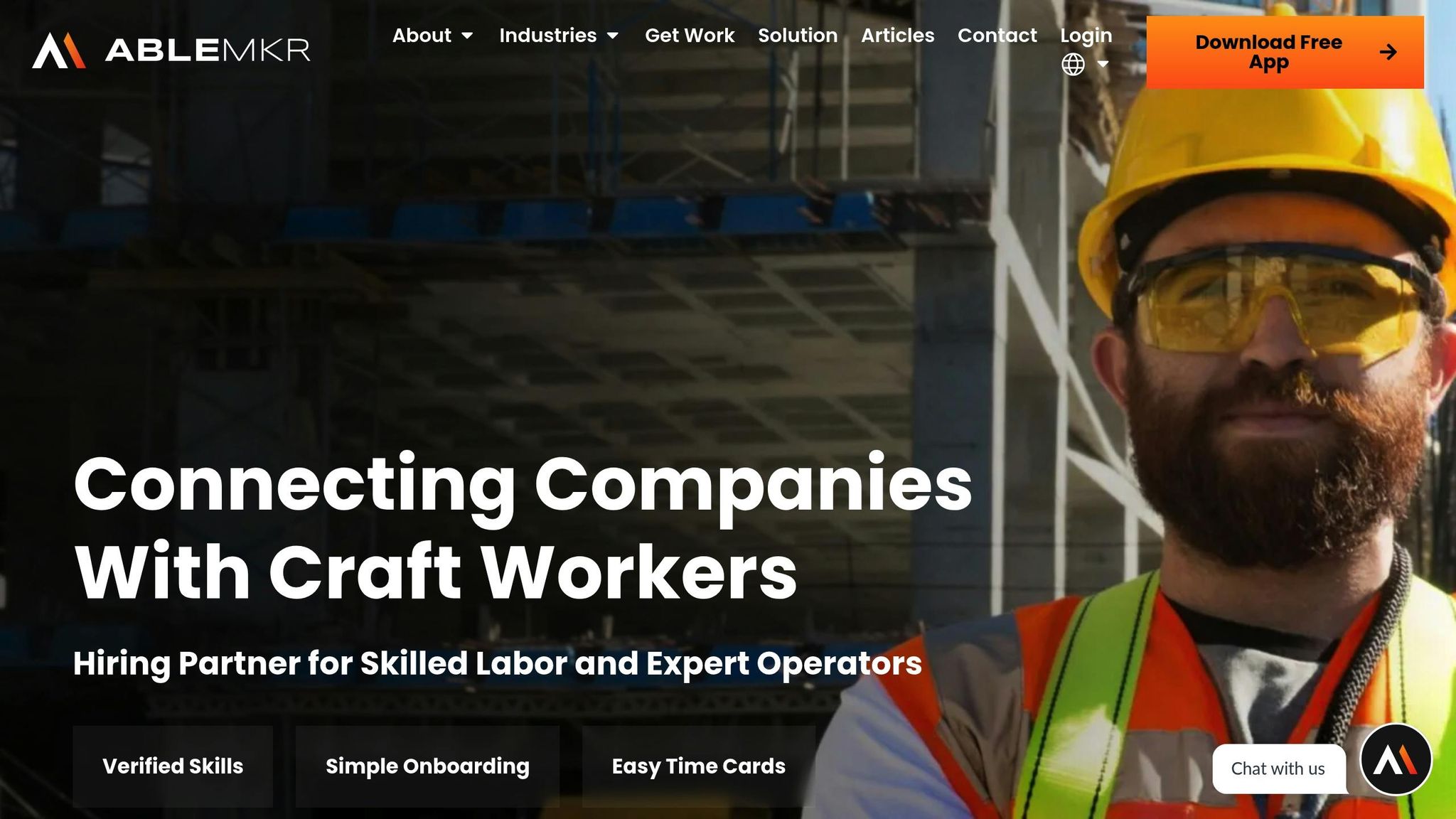
ABLEMKR is a workforce deployment platform designed to do much more than just track time. It combines labor management with real-time project coordination, making it especially useful for industries like construction, energy, and extractives. Built to handle multi-site operations across the U.S., ABLEMKR simplifies complex workflows for companies managing large, dispersed teams.
Pricing and Affordability
ABLEMKR offers a free app that provides basic access to job postings and worker profiles, making it a low-risk option for small contractors trying it out. While pricing for premium features isn’t shared publicly, the platform is designed to be cost-effective. By integrating tools like time tracking, payroll processing, and compliance management into one streamlined system, ABLEMKR helps businesses cut down on administrative costs. This approach not only saves money but also aligns with the specific needs of the construction industry.
Features Tailored for Construction
ABLEMKR comes packed with tools that cater to the unique demands of construction workflows. One standout feature is "Easy Time Cards", which allow workers to clock in and out directly at job sites. Supervisors, on the other hand, gain real-time visibility into crew activities across multiple locations, improving accountability and efficiency.
Another valuable feature is "Verified Skills", which matches workers to projects based on their certifications and safety training. This ensures that specialized tasks or projects requiring specific credentials are handled by qualified personnel. Additionally, the platform speeds up the onboarding process, helping companies quickly bring new workers on board to meet tight deadlines or unexpected staffing needs.
Mobile Access and Geo-Location
Recognizing that construction teams are often on the move, ABLEMKR takes a mobile-first approach. The free mobile app allows both workers and supervisors to access key features from anywhere. Using geo-location, the platform matches workers to nearby projects and optimizes crew deployment across various sites. It also records attendance in real time, making payroll processing more accurate and efficient.
Seamless Payroll and Compliance Integration
ABLEMKR’s integrated payroll system eliminates the need for manual data entry by automatically syncing time card data for accurate and faster payroll calculations. Its built-in compliance tracking ensures that worker certifications and safety training are up to date, reducing the risk of regulatory violations. For businesses operating across multiple states, the platform simplifies compliance with diverse regulations, all within a single, easy-to-use system – no more juggling spreadsheets or multiple databases.
2. Buildbite
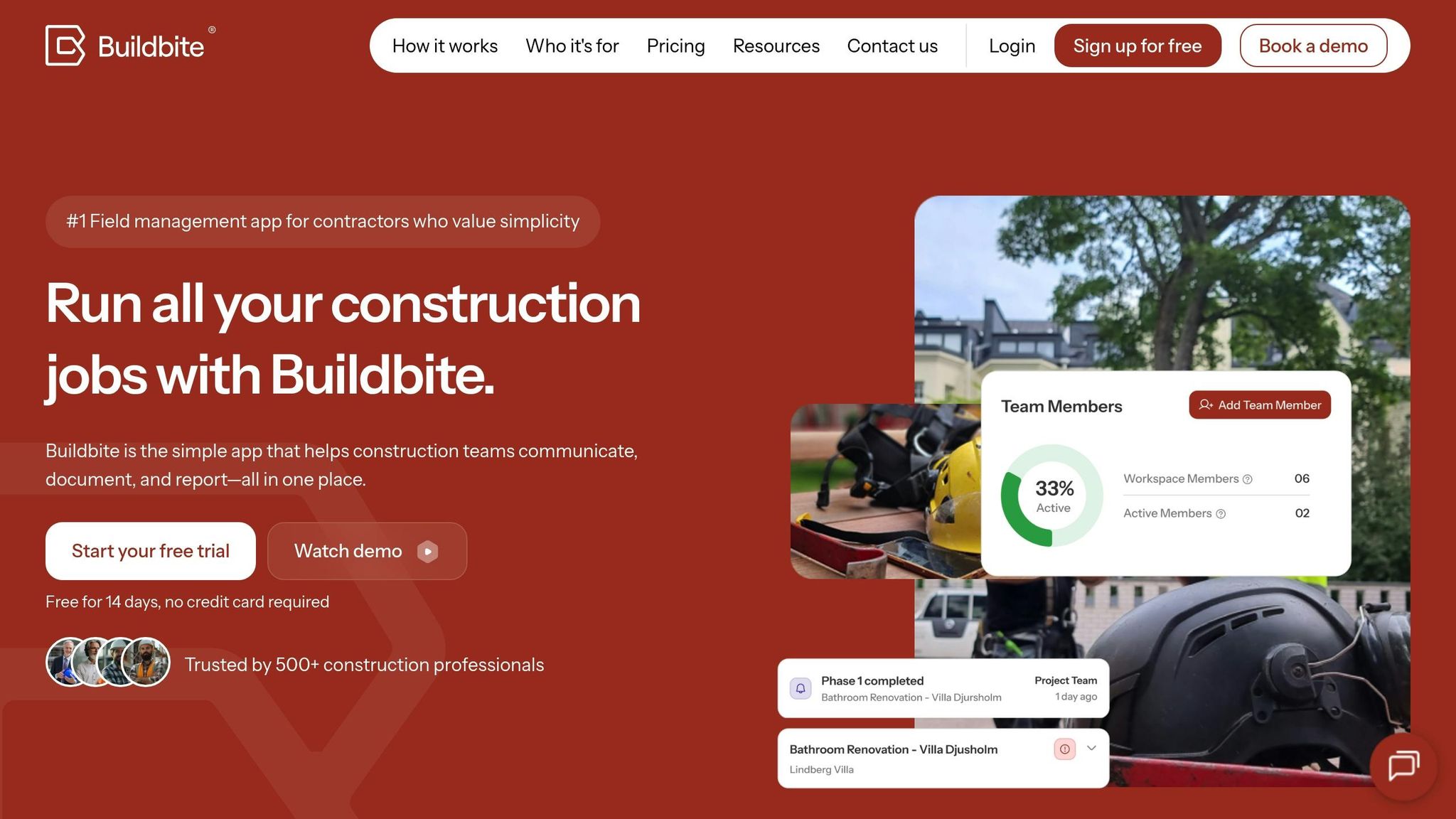
Buildbite takes a different approach from ABLEMKR, focusing on simplifying project management and time tracking for construction teams. It’s designed to combine these two essential functions, making it easier to manage operations across multiple job sites.
Pricing and Affordability
Buildbite offers a budget-friendly solution, with plans starting at around $5–$8 per user per month. This makes it an attractive choice for small to mid-sized construction companies. Its pricing is flexible, scaling based on team size and features. Construction firms using Buildbite have reported cutting payroll errors by up to 30% and speeding up payroll processing by 20%, which helps offset the subscription cost fairly quickly.
Features Designed for Construction
Buildbite is tailored specifically for the construction industry, offering tools like job and project cost tracking, crew management, task assignments, and compliance support. These features make it easier to assign labor costs accurately to projects and improve communication between field teams and office staff. Supervisors also benefit from tools like real-time project updates, document sharing, punch lists, and daily logs, which reduce the time spent on manual paperwork.
Mobile Access and GPS Tracking
With Buildbite, field workers and managers can handle time tracking, task management, and communication directly from their mobile devices. The GPS-based time tracking and geofencing features ensure that employees are physically at the job site when clocking in or out. This functionality has become increasingly important, especially as mobile time tracking in the U.S. construction industry has grown by over 40% since 2020.
Payroll and Compliance Integration
Buildbite integrates seamlessly with platforms like QuickBooks and Procore to simplify payroll and compliance tasks. It automates timesheet transfers, speeds up payroll processing, and ensures adherence to U.S. labor regulations, including overtime rules, break tracking, and record-keeping. Additionally, it supports generating audit reports and documentation for prevailing wage projects, making it a reliable tool for compliance needs.
Next, we’ll explore another strong option for managing time tracking and attendance.
3. Time Tracker by eBillity
Time Tracker by eBillity combines field and office management in a way that works seamlessly for construction companies. It prioritizes smooth integration with existing business systems while offering the mobile tools that construction crews rely on daily. Let’s dive into how its pricing and features set it apart.
Pricing and Affordability
eBillity offers plans starting at $6 per user per month, plus a base fee. This low entry cost can quickly justify itself by cutting payroll errors by as much as 80% and saving valuable administrative hours.
Features Designed for Construction
The platform is packed with tools tailored to construction workflows. Workers can track hours by job or project, assigning them to specific cost codes, which simplifies labor expense management. It also supports multiple job sites, allowing employees to transition between projects with ease while giving supervisors real-time insights into labor allocation and progress. On top of that, its detailed records ensure compliance with federal and state labor laws, covering everything from break tracking to overtime calculations. These tools are fully accessible via mobile, keeping the system practical for operations on the go.
Mobile Compatibility and GPS Tracking
Available on all major mobile platforms, the app includes GPS verification to confirm employees are on-site. This feature helps eliminate issues like time theft and buddy punching, which can drain project budgets. For instance, a mid-sized general contractor in Texas reported that after adopting Time Tracker by eBillity, they completely eliminated time theft and cut payroll processing time by 30%, saving over $10,000 annually.
Payroll Integration and Compliance Support
eBillity integrates effortlessly with popular payroll systems like QuickBooks, Xero, and ADP. By automating timesheet data transfers, it reduces manual errors and speeds up payroll processing. For unionized workforces, it tracks hours by job and cost code, simplifying the creation of reports for union payroll and benefits management. Additionally, digital audit trails enhance compliance during audits and for prevailing wage projects. This level of integration tackles many of the payroll and compliance hurdles that construction firms frequently face.
4. A.C.T.S.
A.C.T.S. (Automated Construction Timekeeping System) is designed specifically for the needs of the construction industry. Unlike standard time tracking apps, it tackles the unique challenges contractors face, such as managing mobile crews across various job sites and staying compliant with complex labor laws.
Pricing and Affordability
A.C.T.S. is priced between $5 and $12 per user per month, making it a practical choice for mid-sized contractors who require advanced tools without the hefty price tag of enterprise solutions. For instance, a contractor in Texas reported saving over $2,000 monthly in administrative costs after adopting A.C.T.S., thanks to automated timesheets and simplified payroll processes.
Features Tailored for Construction
A.C.T.S. is packed with tools designed to meet the demands of construction workflows. It tracks labor hours by task, improving project management and billing accuracy. Cost code tracking ensures every hour is allocated correctly, keeping budgets on target and billing precise.
The platform automates timesheets and task assignments, eliminating the need for manual data entry. It also flags expiring certifications and potential overtime, helping contractors avoid costly penalties.
Mobile App and GPS Functionality
The A.C.T.S. mobile app, available for iOS (12+) and Android (8.0+), is built with a rugged, intuitive design featuring large buttons for easy use. GPS tracking confirms employee locations, effectively putting an end to time theft and "buddy punching", which can inflate project costs.
Geofencing capabilities automate clock-ins and clock-outs when employees arrive at or leave designated job sites. Plus, the app works offline, ensuring time tracking continues seamlessly and syncs once a connection is restored.
Payroll and Compliance Integration
A.C.T.S. integrates smoothly with payroll systems like QuickBooks, ADP, and construction-specific ERPs. This direct connection simplifies the transfer of time and attendance data, significantly reducing payroll errors.
The platform also includes built-in compliance tracking, monitoring worker certifications, safety training, and adherence to labor laws. Contractors using A.C.T.S. have reported up to a 30% reduction in payroll processing time and a noticeable drop in compliance violations.
sbb-itb-aa28329
5. Morningmate
Morningmate is a collaboration and time-tracking tool that construction teams often rely on for its affordability and versatility. While it wasn’t specifically designed for construction, its features make it a useful option for managing crews and tracking hours on job sites. Here’s a closer look at its pricing and features.
Pricing and Plans
Morningmate offers a free basic plan, which is great for smaller teams. For those needing more, paid plans start at $7 per user per month. These plans include perks like unlimited projects, increased storage, and priority customer support.
Features for Construction Teams
Even though it’s not tailored exclusively for construction, Morningmate includes tools like task assignments, project timelines, and team communication. Construction teams can use project boards to organize tasks and track hours. However, it doesn’t include advanced features like cost code tracking or automated compliance tools.
Mobile App and On-the-Go Use
Morningmate’s mobile apps for iOS and Android make it easy for field workers to clock in, update tasks, and stay connected while out on job sites. The interface is simple to use, but it’s worth noting that the app doesn’t offer GPS tracking or geofencing capabilities.
Integration Options
Morningmate works well with popular productivity tools, but it doesn’t have built-in payroll integrations. Teams needing automated compliance or direct payroll links will need to rely on manual data exports or third-party connectors, which might not suit everyone’s workflow.
6. Contractor Foreman
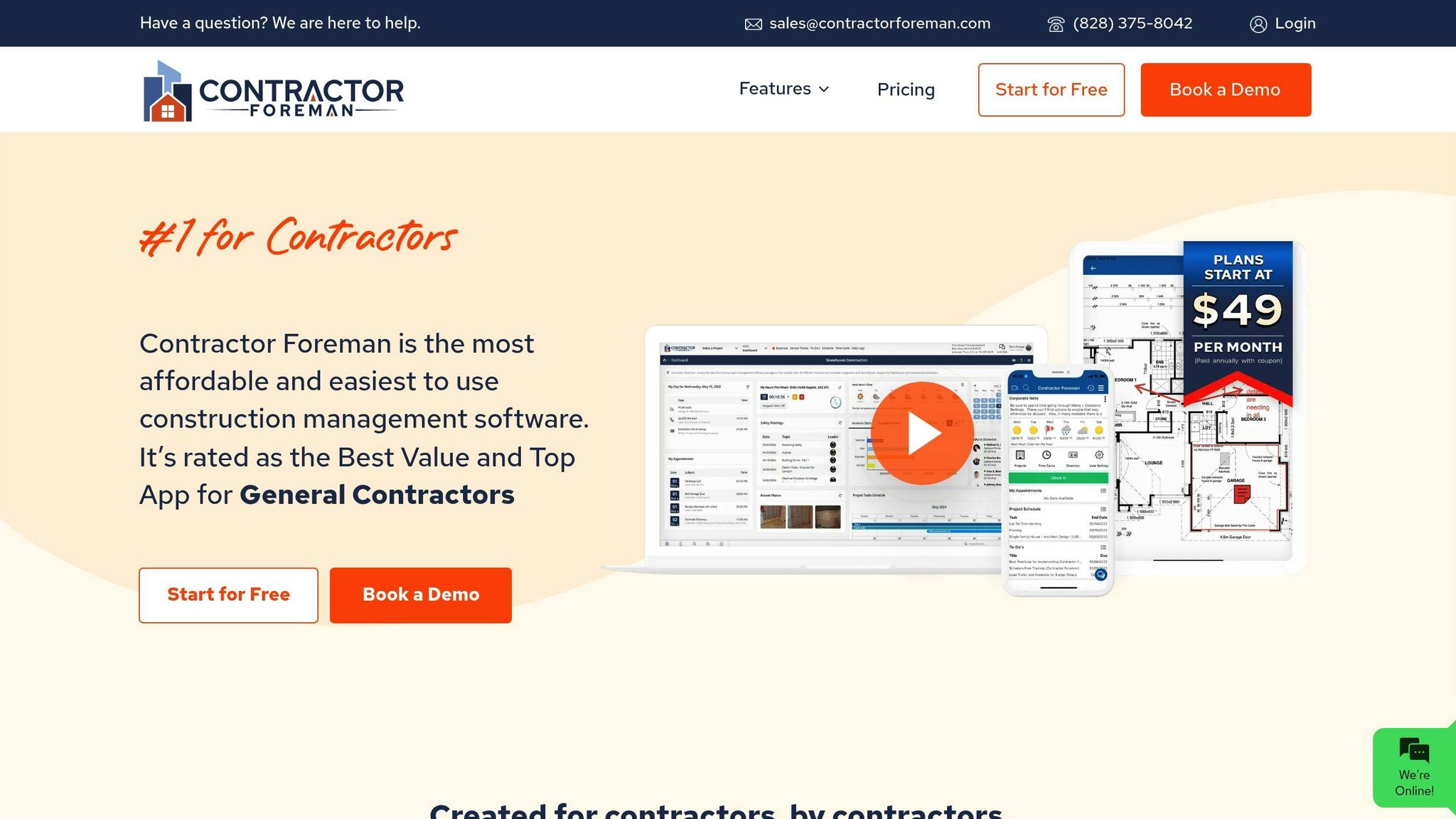
Contractor Foreman is a cloud-based construction management platform tailored specifically for contractors. Unlike generic tools, it offers a comprehensive solution that addresses the unique demands of construction businesses, going well beyond simple time tracking.
Its straightforward pricing and construction-focused features make it a great option for managing teams and projects effectively.
Pricing and Affordability
Contractor Foreman’s flat-rate pricing starts at $49 per month for up to 10 users. This setup is especially appealing for small to mid-sized construction companies, as it avoids the escalating costs associated with per-user pricing. To ease concerns for new customers, the platform also includes a free trial and a 100-day money-back guarantee, making it a low-risk investment.
Built for Construction Workflows
The platform is packed with tools designed for the construction industry, including job costing, project management, daily logs, equipment tracking, and safety compliance features. When workers clock in, their hours are automatically assigned to specific jobs and cost codes, helping businesses keep a close eye on labor costs and project profitability. Additionally, automated alerts notify managers about expiring safety certifications or other compliance issues, ensuring smooth operations and adherence to regulations.
Mobile-Friendly with GPS Tracking
Contractor Foreman’s mobile apps for iOS and Android allow workers to clock in and out directly from job sites. Features like GPS tracking and geofencing ensure accurate location verification, discouraging time theft and buddy punching. Supervisors can use the app to track live crew locations, approve timesheets, assign tasks, and monitor project progress in real time.
Payroll Integration and Compliance Support
The platform integrates effortlessly with widely used payroll systems like QuickBooks and ADP, syncing timesheets automatically to simplify payroll processing and minimize errors. Its compliance tools help contractors meet U.S. labor laws and OSHA standards by providing built-in reporting and documentation features. For example, a mid-sized general contractor in Texas transitioned from manual time cards to Contractor Foreman, cutting payroll processing time by 30% and saving over $5,000 annually while boosting compliance with state labor laws.
7. Connecteam
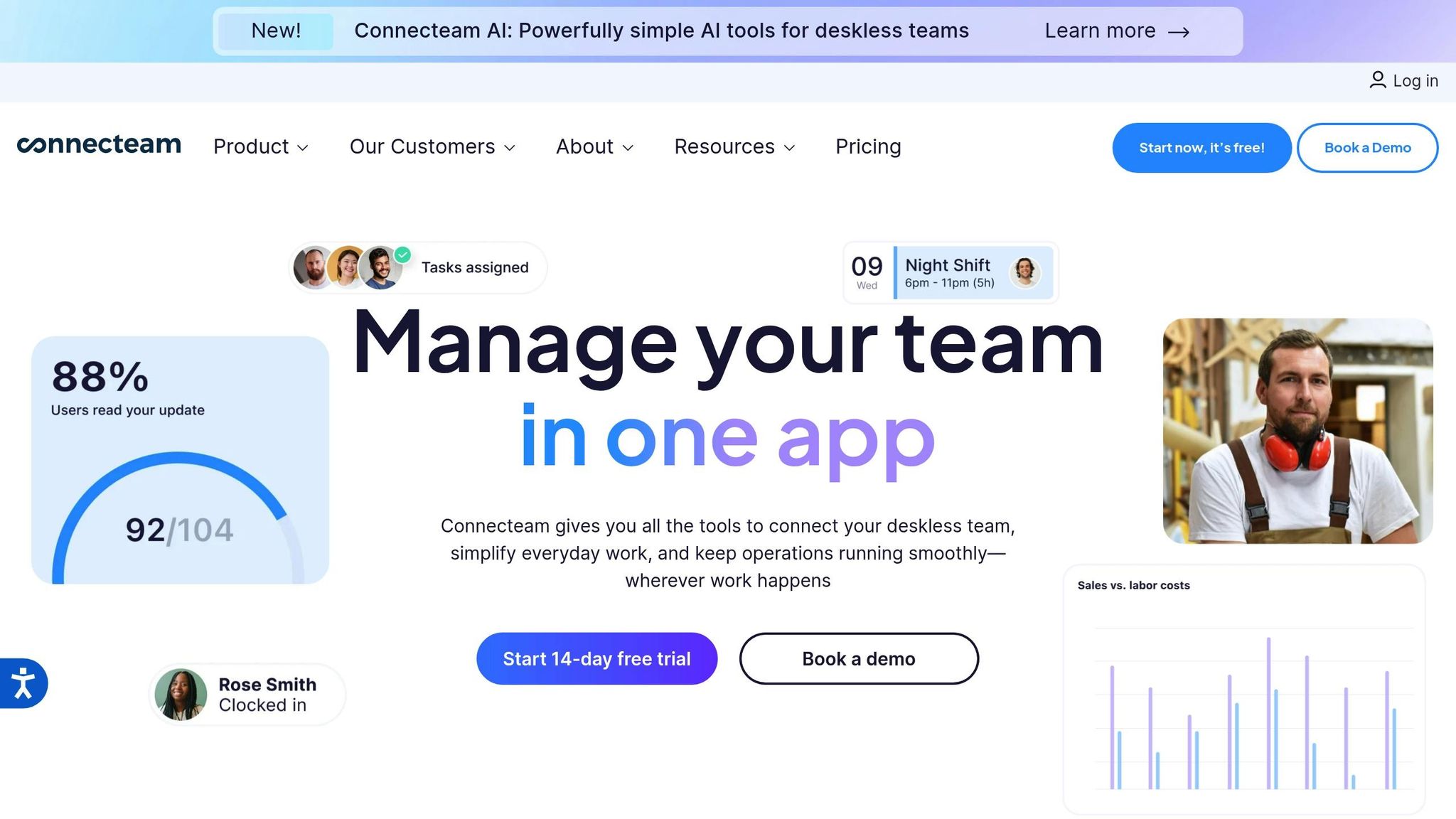
Connecteam is a workforce management platform designed specifically for construction teams, with a mobile-first approach that combines time tracking and project management. This makes it a great choice for contractors who need an all-in-one solution to manage their workforce efficiently.
With a 4.7/5 rating on Capterra from over 200 reviews as of 2025, Connecteam has gained a reputation as one of the leading time tracking apps for contractors. Users frequently highlight its easy-to-use interface and features tailored to the unique challenges of the construction industry. Below, we’ll explore its pricing, construction-focused tools, mobile functionality, and payroll integration.
Pricing and Affordability
Connecteam offers a free plan for up to 10 users, which is perfect for smaller teams. For larger teams, paid plans start at just $29 per month for up to 30 users, with an additional cost of $0.50 per user beyond that. The pricing is straightforward, with no hidden fees, and includes a 14-day free trial of premium features, allowing teams to test the platform before committing.
Construction-Specific Features
Connecteam provides much more than basic time tracking. Its features include:
- Digital time clocks for accurate time tracking
- Job and project tracking to monitor progress
- Shift scheduling to manage worker availability
- Customizable forms for safety checklists and incident reports
A standout feature is its detailed job costing, which helps managers assign hours to specific tasks or projects. This is especially useful for accurate billing and keeping projects on track. Workers can even submit digital safety reports and incident forms directly from the job site, simplifying compliance and documentation processes.
Mobile Compatibility and GPS Tracking
The Connecteam mobile app, available for both iOS and Android, empowers workers to clock in and out right from their smartphones. Its offline mode ensures time tracking works even in areas with poor or no connectivity – a common issue on remote construction sites.
Another key feature is GPS location stamps, which verify that employees are at the correct job site when clocking in or out. The app also includes geofencing, which restricts clock-ins to specific areas, helping prevent time theft and "buddy punching." These features create a reliable audit trail for compliance and billing purposes.
Integration with Payroll and Compliance Systems
Connecteam integrates smoothly with payroll providers like QuickBooks, Gusto, and Paychex, making payroll processing faster and error-free. For companies using other systems, the platform allows timesheet exports in formats compatible with most payroll and accounting software. This ensures compliance with U.S. labor laws and simplifies record-keeping.
For example, a general contractor in Texas managing over 50 workers reported a 20% reduction in payroll errors after switching to Connecteam’s GPS-enabled time clock. They also eliminated the need for manual timesheets, saving time and improving accuracy.
With its combination of targeted features, mobile convenience, and affordability, Connecteam stands out as a top choice for construction teams looking for reliable workforce management tools.
Tool Comparison Chart
Selecting the right time tracking tool can make a noticeable difference in addressing common construction challenges. To simplify your decision-making process, this chart provides a side-by-side comparison of pricing, key features, mobile capabilities, and construction-specific tools for the seven solutions discussed.
| Tool | Starting Price | Free Plan/Trial | Mobile Apps | GPS Tracking | Construction Features |
|---|---|---|---|---|---|
| ABLEMKR | Custom pricing | Free app available | iOS/Android | Yes (geo-location matching) | Workforce deployment, compliance tracking, certified worker matching |
| Buildbite | $29/month base | 14-day free trial | iOS/Android/Web | Yes | Job costing, equipment tracking, daily reports |
| Time Tracker by eBillity | $10/user/month | 30-day free trial | iOS/Android/Web | Basic | Basic time tracking, project codes, invoicing |
| A.C.T.S. | $25/user/month | Demo available | iOS/Android/Web | Yes | Cost code tracking, certified payroll, union compliance |
| Morningmate | $8/user/month | Free for 5 users | iOS/Android/Web | No | Task management, team collaboration, basic reporting |
| Contractor Foreman | $49/month unlimited | 30-day free trial | iOS/Android/Web | Yes | Project management, scheduling, document storage |
| Connecteam | $29/month (30 users) | Free for 10 users | iOS/Android/Web | Yes | Digital forms, safety checklists, shift scheduling |
Key Highlights
Each tool offers mobile compatibility, but features like offline functionality and GPS tracking set them apart. ABLEMKR, for example, uses geo-location data to match workers with nearby job sites. Connecteam, on the other hand, integrates geofencing to track employees within designated zones.
For construction-specific needs, the tools cater to varying priorities:
- ABLEMKR provides a robust workforce deployment platform, including pre-vetted worker matching and compliance tracking.
- A.C.T.S. is tailored for union compliance and certified payroll, making it ideal for larger commercial projects.
- Contractor Foreman excels in project management and scheduling, while Connecteam focuses on safety documentation and shift scheduling.
Payroll integration also varies. ABLEMKR includes built-in payroll workflows, while Connecteam connects seamlessly with platforms like QuickBooks, Gusto, and Paychex. Other tools, such as Buildbite, often rely on manual CSV exports for payroll processing.
Pricing and Security Considerations
Pricing structures differ significantly. Tools like Connecteam offer free plans for small teams, while ABLEMKR’s custom pricing is geared toward larger operations. Some platforms charge per user, while others adopt a base fee model, such as Contractor Foreman’s unlimited plan.
When handling sensitive worker data, security is critical. ABLEMKR prioritizes secure credential management for high-risk industries, while many tools incorporate features like biometric verification to improve clock-in accuracy. All platforms ensure encrypted data transmission and secure cloud storage to protect user information.
Matching Tools to Your Needs
Choosing the right tool depends on the size and complexity of your operations. Small contractors might find Connecteam’s free plan sufficient, while larger businesses managing multiple job sites may benefit from ABLEMKR’s workforce deployment features or A.C.T.S.’s focus on union compliance. By aligning each tool’s strengths with your specific workflow – whether reducing payroll errors, improving compliance, or preventing time theft – you can streamline your construction operations effectively.
Conclusion
Choosing the right time tracking tool can make a big difference in managing your workforce. It helps reduce payroll errors by up to 80% and cuts processing time by more than half, which is especially important when labor costs make up a significant portion of your project expenses.
The seven tools reviewed offer a range of features to meet different operational needs. For instance, ABLEMKR stands out by providing real-time workforce visibility and compliance tracking, making it a great fit for high-risk projects.
Automating time tracking can save up to 16 hours of administrative work per week. This gives managers more time to focus on essential tasks, while features like GPS and biometric tracking help prevent time theft.
When selecting a tool, consider factors like your crew size, job site locations, and compliance needs. Smaller contractors might benefit from free plans, while larger companies managing multiple sites might find advanced workforce deployment and compliance features more valuable.
Industries like construction and energy are quickly adopting digital tools to tackle labor shortages and meet regulatory demands. Mobile-first, cloud-based solutions with GPS, geofencing, and automated compliance tracking are becoming standard. These tools not only keep companies compliant but also improve efficiency and adaptability in a fast-changing industry.
Starting with a free trial is a smart move. It allows you to test the tool’s functionality while reaping benefits like better accuracy, reduced admin work, and tighter control over project costs – key advantages in today’s competitive environment.
FAQs
What advantages do time tracking tools bring to the construction industry?
Time tracking tools tailored for construction bring a host of advantages to the table. They allow companies to track worker hours with greater precision, which helps ensure accurate payroll processing and minimizes mistakes. Beyond payroll, these tools offer real-time updates on workforce availability and project progress, making it easier to plan ahead and make faster, more informed decisions directly on the job site.
For example, platforms like ABLEMKR simplify workforce management by pairing skilled laborers with projects based on their certifications, availability, and location. This approach not only saves valuable time but also ensures compliance with safety and regulatory requirements. The result? A smoother, more transparent process that benefits both employers and workers alike.
How do GPS tracking and geofencing enhance time tracking accuracy on construction sites?
GPS tracking and geofencing bring a new level of precision to time tracking by using real-time location data and automated site boundaries. With GPS tracking, employees’ time logs are directly linked to their actual locations, cutting down on errors and eliminating time theft. Geofencing takes it a step further by setting up virtual boundaries around job sites, automatically clocking workers in and out as they enter or leave these areas.
These tools don’t just simplify payroll; they also give managers clearer insights into workforce activities, helping to keep projects on track and within budget.
What should construction companies look for in a time tracking tool?
When choosing a time tracking tool, construction companies should focus on features tailored to the specific needs of their industry. Key functionalities to look for include real-time tracking, geo-location capabilities, and seamless payroll integration to simplify workflows. It’s equally important to ensure the tool is user-friendly for both on-site workers and office staff.
You might also want to check if the platform offers support for compliance tracking and managing worker certifications – both critical elements in construction and energy sectors. Tools designed with mobile-first functionality and the ability to grow alongside your workforce can help boost productivity while cutting down on administrative tasks.


